Related: How to Fix Rattly Stabilizers Without Buying New Keycaps
Most mechanical keyboard buying guide articles answer the wrong question. They rank boards by price, or by whatever brand is having a moment, and they never ask whether you type for a living or game for a living. That distinction is the whole ballgame. A switch that feels wonderful across eight hours of code can feel like sandpaper in a shooter, and a board that wins on latency can be miserable to write on.
I have built more boards than I can justify and owned more sets of switches than my roommate thinks is reasonable. So this is the version of the guide I would want: four keyboards, four jobs, and a clear explanation of which one is wrong for you. Two are 75% boards, one is tenkeyless, and one is a full-size wireless board with magnetic switches. I judge every board on four things, in this order: switch feel, stabilizer quality, hot-swap support, and whether the keycaps feel like they belong on a board at this level. The RGB, the software ecosystem, and the marketing names for switch colors all come after that.
Here is how the four shake out.
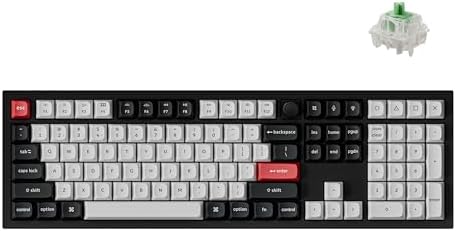
Best Overall: Keychron Q6 HE Wireless Custom Magnetic Keyboard
Keychron has been the best value brand in this hobby for years, and the Q series is why. The Q6 HE takes the full-size aluminum formula and swaps traditional mechanical switches for magnetic ones, which means Hall effect sensing instead of a physical contact closing. The practical payoff is adjustable actuation: you can change how far a key travels before it registers, and boards built this way typically support rapid trigger, where the key resets the instant you ease off it rather than waiting for a full return.
That matters more than most people expect. If you write all day and play at night, you get a numpad for spreadsheets, a full-size layout that feels like a desk keyboard rather than a toy, and analog-style tuning for games. It is also the board here with the fewest material compromises, and the 100% layout means no function-layer gymnastics just to reach the Delete key.
The tradeoff is space. A full-size board eats desk real estate, and if your mouse hand already lives at the edge of a small desk, a tenkeyless or 75% board will serve you better. This listing also does not advertise hot-swap, so if changing switches without soldering is a hard requirement, confirm that detail before you commit. Magnetic switches are their own ecosystem anyway. You buy this board for the actuation tuning, not for the ability to drop in a set of linears later.
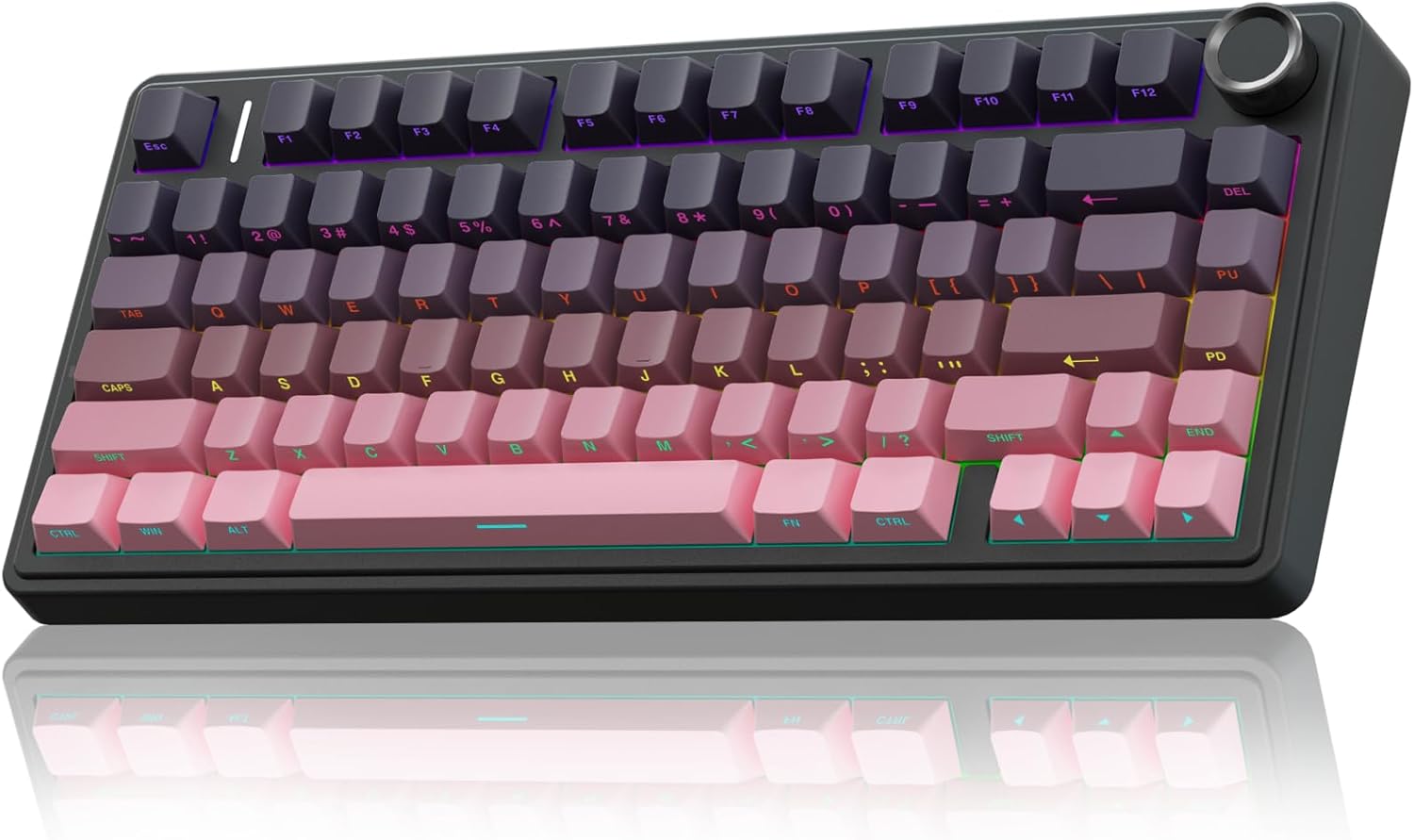
Best Value: AULA F75 Pro Wireless Mechanical Keyboard
This is the board I would hand to most people, and it makes the case for 75% better than anything else here. You keep the function row, you keep the arrow keys, and you lose the numpad you were probably not using anyway. Hot-swap is listed, which in 2026 is non-negotiable as far as I am concerned. Soldering is a hobby, not a requirement, and a hot-swap socket means the board can outlive your taste in switches.
The details matter too. The switches arrive pre-lubed, which is the factory doing the Saturday afternoon job you would otherwise handle yourself with a brush and a small pot of grease. The keycaps are PBT with side printing, and that combination is worth more than people give it credit for. PBT resists the shiny, greasy look that cheap ABS caps develop within a month, and side-printed legends sit away from your fingertips, so they do not wear at the same rate.
The catch with any board in this tier is where the money was saved, and it is almost always the stabilizers. Stabilizers are the difference between a board that sounds expensive and a board that pings every time you hit the space bar. Check them on arrival. If they rattle, a little lube and a proper reseat fixes most of it, and there is no reason to live with the noise.
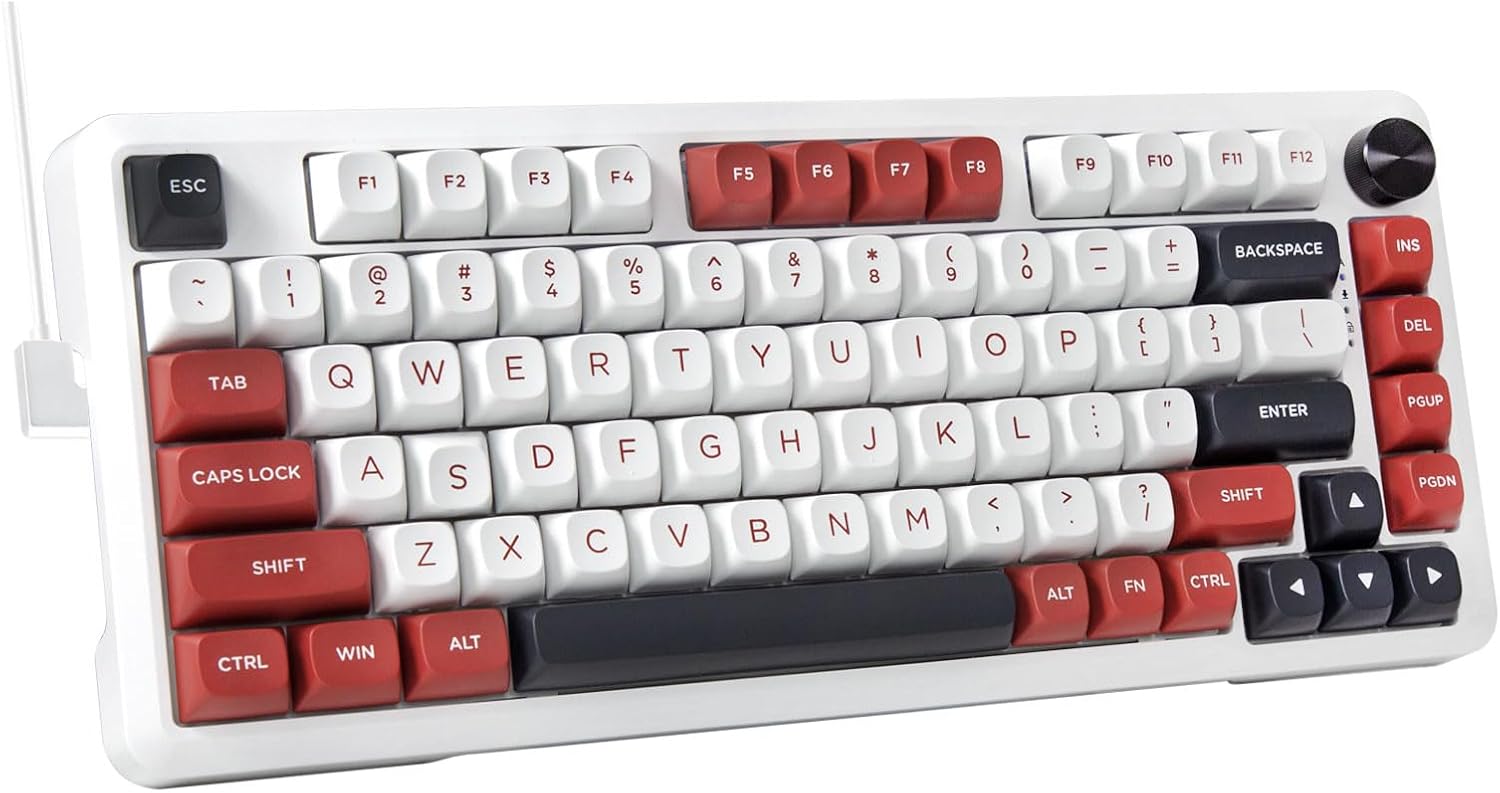
Best Budget Pick: E-YOOSO 75% Wired Mechanical Gaming Keyboard
Every guide needs a floor, and this is it. It is a 75% wired board with a creamy sound signature and a white and red colorway, and it exists to get you onto mechanical switches for as little money as the hobby allows.
What you give up is mostly flexibility. Wired only means one more cable on the desk and no option to move to the couch. Hot-swap is not advertised in the name, so plan on treating the switches as permanent unless you confirm otherwise. And at this price the stabilizers are the first thing to inspect, because that is where budget boards universally cut corners. Learn to listen for the rattle, learn the lube fix, and this board will teach you more about what you actually like than a premium board would, because you will not be afraid to take it apart.
If you are buying your first mechanical keyboard, or you want a second board for an office desk where things occasionally go missing, this is the sensible answer. If you can stretch, the AULA is the better long-term purchase, and the difference is mostly in the sockets and the caps.
Best for Competitive Gaming: Logitech G PRO Mechanical TKL Gaming Keyboard
The G PRO name is Logitech's esports line, and the TKL layout is the reason it turns up on so many competitive desks. Dropping the numpad pulls the mouse closer to the keyboard, which matters if you play at low sensitivity and need the swing room. Tenkeyless is the compromise layout: you keep the function row and the navigation cluster, and you give up only the number pad.
The switches here are clicky, and that is the detail that decides this board for you. Clicky switches have a tactile bump and an audible click at the actuation point. They are wonderful to type on, because the feedback tells your fingers exactly when a key registered. They are also loud, and they are divisive for gaming, because plenty of players want a linear press with nothing in the way. If you share an office, a room, or an open microphone, clicky switches will make you the subject of a conversation you do not want to have.
So this is the board for the person who wants a proven esports shape, does not need wireless, and genuinely likes hearing their keyboard. If you want quiet, look at the AULA. If you want analog-style tuning, look at the Keychron.
How I judge a keyboard
Four checks, in this order. First, can I type on it for a full work week without thinking about it? That is the real test. If you stop noticing the keyboard, it is doing its job. Second, do the stabilizers rattle? That single question separates a budget board from an expensive one more reliably than the case material does. Third, are the switches hot-swap? If they are not, the board is a closed system, and closed systems age badly in a hobby that moves this fast.
Fourth, how do the keycaps feel? Keycap quality tells you more about a board than the case does. Cheap caps feel worse than a cheap case, and PBT versus ABS is the first thing to check. I also listen for the sound, because a switch review that skips the sound is not a review. Sound is roughly half keyboard and half desk, so test on your own surface before deciding a board is hollow.
And I treat wireless like it matters, because it does. Wireless is a feature right up until the battery dies mid-sentence.
Analysis: what actually separates these four boards
Layout is the first fork in the road, and it is the one people skip. A 75% board keeps the function row and the arrows, so you lose almost nothing but the numpad. Tenkeyless keeps the navigation cluster and the function row. Full-size keeps everything and asks for the desk space to prove it. If you do data entry or live in a spreadsheet, buy the full-size and stop pretending you will learn a function layer.
Switches are the second fork, and they are personal in a way no ranking can settle. Linear switches are smooth top to bottom with no bump. Tactile switches have a bump you can feel at the actuation point. Clicky switches add an audible click on top of that bump. None of these is better; they are different tools. What is not personal is stabilizer quality. Rattle is rattle, and it is the most common corner cut on budget boards.
Hot-swap is the third fork, and in 2026 it is the one I refuse to compromise on. A hot-swap socket means you can change your mind about switches without a soldering iron, and changing your mind is the entire arc of this hobby. The AULA lists it. The others here either do not advertise it or run a different switch ecosystem entirely, and that is worth knowing before you buy rather than after.
Keycaps are the last piece, and the most underrated. PBT caps resist shine. Side-printed legends stay out of the way of your fingertips. A board with great switches and cheap caps feels cheap, and a board with average switches and good caps feels better than it has any right to.
The mechanical keyboard reference table
| Keyboard | Layout | Switches | Hot-swap | Best for | Price |
|---|---|---|---|---|---|
 Visit on Amazon → Keychron Q6 HE |
100% full-size | Magnetic, adjustable actuation | Not advertised | Typists who want a numpad and analog tuning | $249.99 |
 Visit on Amazon → AULA F75 Pro |
75% | Pre-lubed Reaper, mechanical | Listed | Most people buying a first serious board | $69.99 |
 Visit on Amazon → E-YOOSO 75% |
75% | Mechanical, creamy sound signature | Not advertised | A first board on the tightest budget | $39.99 |
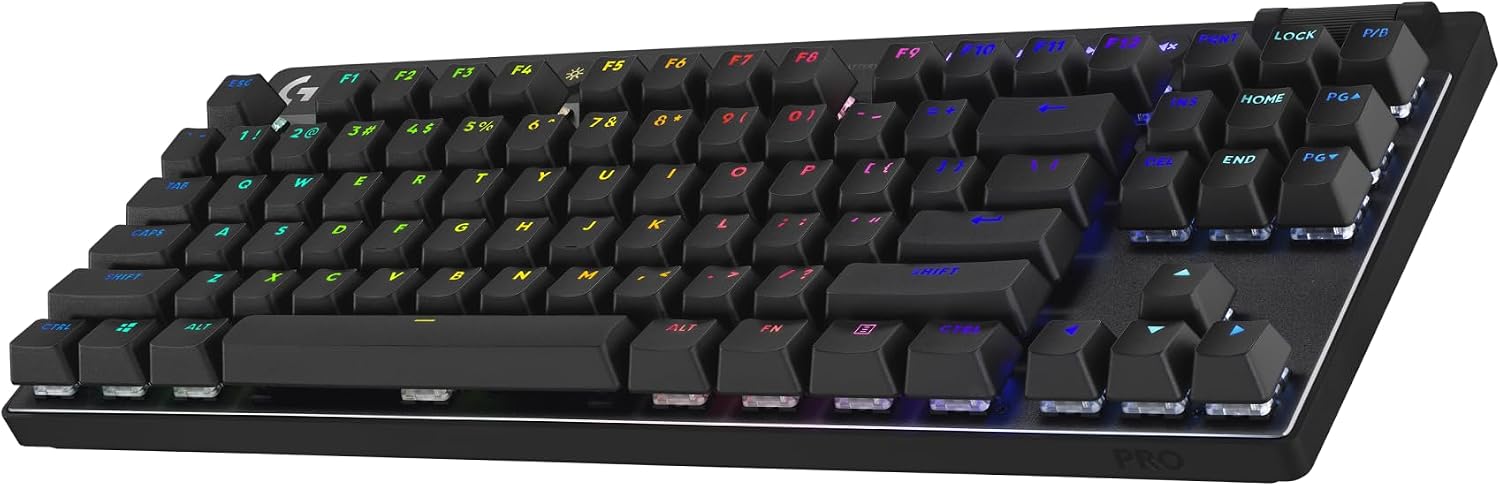 Visit on Amazon → Logitech G PRO TKL |
Tenkeyless | Clicky mechanical | Not advertised | Competitive players who like clicky feedback | $99.00 |
Notes: Layout is the first decision and the hardest to undo. Hot-swap status comes from the product listing, so confirm it if it is a dealbreaker. Clicky switches are loud, magnetic switches need their own software to be worth it, and stabilizer rattle is the first thing to check on any board at any price.
Should you buy the Keychron Q6 HE?
Yes, if you want one board that covers typing and gaming without giving up the numpad. Magnetic switches with adjustable actuation are a real change in how a keyboard behaves, not a marketing label, and the full-size aluminum Q series is the best value in the hobby at this tier. The catch is desk space and the fact that hot-swap is not advertised. If you want to swap switches later, this is not that board. If you want a board you tune in software and keep for years, it is.
Should you buy the AULA F75 Pro?
Yes, for most people. It is 75%, wireless, hot-swappable, pre-lubed, and it ships with PBT side-printed keycaps, which is a genuinely rare combination of features to find in one board. The one thing I would check on arrival is the stabilizers, because that is where every board in this price range saves money. Fix the rattle and you have a board that punches well above its class.
Should you buy the E-YOOSO 75%?
Yes, if the budget is the constraint and you want to learn what you like before spending real money. It is wired, hot-swap is not advertised, and you should expect to tune the stabilizers. But it puts you on mechanical switches and a 75% layout, and it is a perfectly good second board for an office desk. Just do not expect the sockets and caps of the AULA at this tier.
Should you buy the Logitech G PRO TKL?
Yes, if you play competitively, want the mouse room a tenkeyless layout gives you, and you like clicky feedback. No, if you need wireless, if you share a room, or if you want a quiet board. The click is the feature and the dealbreaker in one, and that is the whole decision.
The bottom line
Pick the layout first, because that is the part you cannot fix later. Then pick your switch type, because that is the part only you can judge. Then check the stabilizers, because that is the part that separates a cheap board from a good one. Everything else, the brand, the RGB, the price tag, is downstream of those three questions. Answer them honestly and you end up with a keyboard you stop noticing, which is the highest compliment I can pay one.