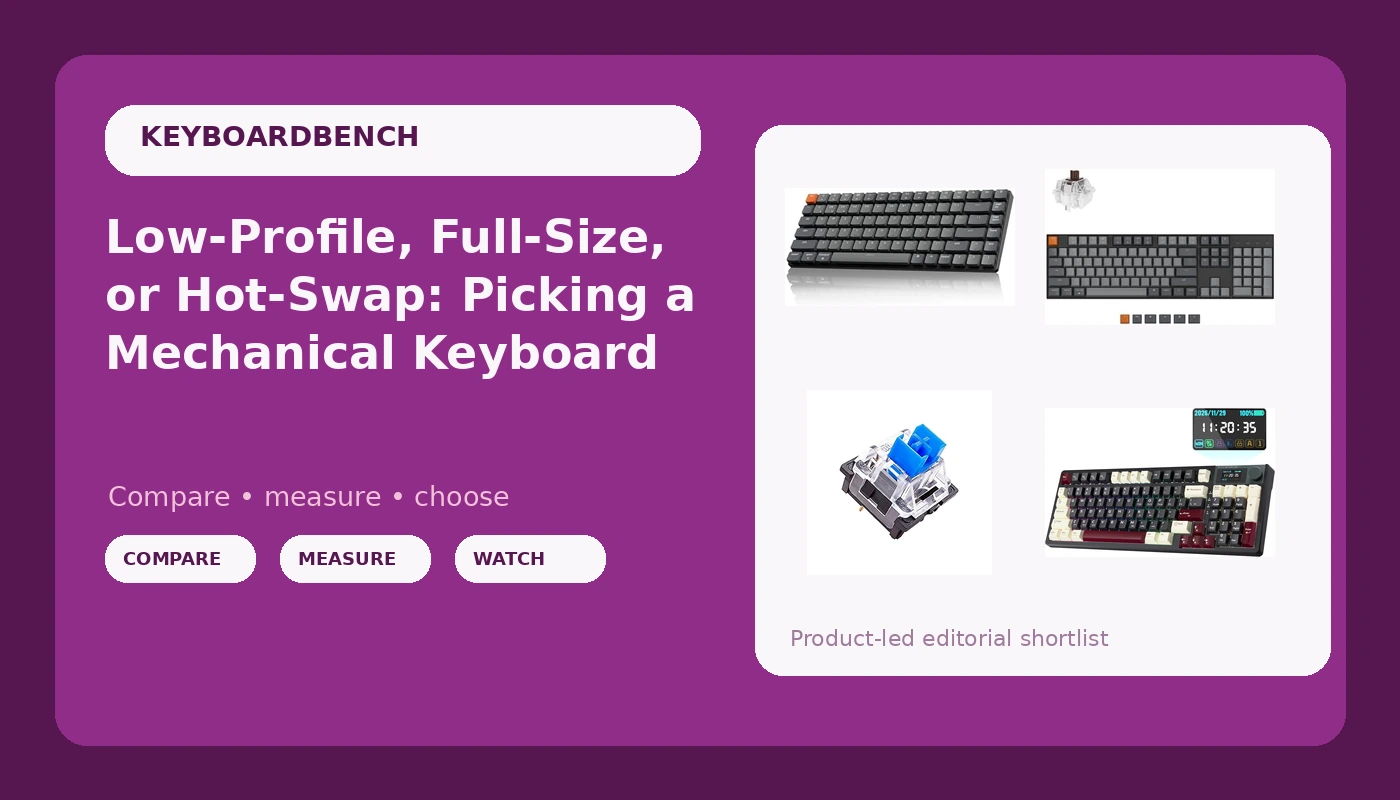
A mechanical keyboard is one of the few computer purchases where the spec sheet tells you almost nothing useful. Two boards can list the same layout, the same wireless radio, and the same switch weight and still feel like completely different objects on your desk. That gap is where most buyers get stuck: you read a dozen listicles, you learn that "thock" is a word people use with total confidence, and you still do not know whether you want a 75% low-profile board or a full-size brick with a number pad.
This piece walks through four mechanical keyboard options that cover genuinely different jobs, from a low-profile wireless board to a full-size Bluetooth model to a pack of replacement clicky switches. The goal is not to crown a winner. It is to make the trade-offs visible so you can match a board to how you actually type, whether that means eight hours of code a day, a cramped desk, or a spreadsheet-heavy job that lives on the numpad.
Related: How to Lube Stabilizers Without Ruining Them →
Quick answer
There is no single best board here, because the right choice depends on your desk, your hands, and whether you need a number pad. The short version: choose the Keychron K3 Version 2 if you want a compact low-profile wireless board, the Keychron K10 if you type numbers all day and want a full 104-key layout, the KEMOVE K94 if you want QMK and VIA remapping plus an LCD screen and a metal knob, and the OUTEMU Blue Switches pack if you are replacing switches on a board you already own.
Four useful options
| Model | Best fit | What stands out |
|---|---|---|
| Keychron K3 Version 2 QMK 75% Wireless Low-Profile Mechanical Keyboard | Small desks and travel | 75% low-profile layout with wireless connectivity and QMK support |
| Keychron K10 Full Size 104 Keys Bluetooth Wireless Mechanical Gaming Keyboard for Mac Windows with Keychron Super Brown Switch, Multitasking/White LED Backlight/USB C Wired Computer Keyboard | Numpad-heavy work | Full 104-key layout, Bluetooth, Mac and Windows legends, Brown tactile switches |
| KEMOVE K94 Wireless Mechanical Keyboard, QMK/VIA, LCD Screen & Metal Knob | Remapping and on-board control | QMK/VIA firmware support, LCD screen, metal knob |
| OUTEMU Blue Switches 3-pin Tactile Clicky 50gf - DIY Replacement for Mechanical Gaming Keyboard - 20 Pack with 1 Switch Puller | Upgrading a board you own | 3-pin tactile clicky switches at 50gf, 20 per pack, puller included |
Compact and low profile: Keychron K3 Version 2 QMK 75% Wireless Low-Profile Mechanical Keyboard
The case for low profile is mostly ergonomic and spatial. A shorter board with shorter caps means less wrist lift and more room for a mouse, which matters if your desk is a laptop-sized slab in a shared apartment. The trade-off is keycap choice: low-profile switches take a narrower range of aftermarket caps than standard-height boards, so if you already have a shelf of keycaps you want to reuse, check compatibility before buying. The 75% layout is the other half of the compromise. You lose the numpad and gain roughly the width of a mousepad on your desk. If your work involves entering numbers all day, that loss is real, and this is the wrong board for you.
Full size and wireless: Keychron K10 Full Size 104 Keys Bluetooth Wireless Mechanical Gaming Keyboard for Mac Windows with Keychron Super Brown Switch, Multitasking/White LED Backlight/USB C Wired Computer Keyboard
Brown switches are the middle of the road in the best sense: a tactile bump you can feel without the sharp click that makes open offices awkward. That makes the K10 a reasonable first mechanical board for someone moving up from a membrane keyboard, because the tactile feedback is obvious without being disruptive. The full-size layout is the honest part of the pitch. It is wider than most people need, and it pushes your mouse further right, which is a genuine ergonomic cost. The compensation is that nobody who works in spreadsheets, accounting software, or data entry should give up a numpad to save six inches. The dual Mac and Windows legends also mean you are not hunting for keycaps when you switch machines.
Feature-forward wireless: KEMOVE K94 Wireless Mechanical Keyboard, QMK/VIA, LCD Screen & Metal Knob
Firmware support is the least glamorous feature on any board and the one you will notice most over time. QMK and VIA let you move keys, build layers, and change behavior without installing whatever the manufacturer shipped this quarter, and they survive the day the vendor stops updating its software. The LCD screen and knob are the visible half of the same idea: quick access to volume, media, or a layer without a chord. The trade-off is complexity. A board with this much configurability rewards an afternoon of setup and punishes nobody who ignores it, but if you want plug-and-type simplicity, you are paying for features you will not use.
Switch upgrade kit: OUTEMU Blue Switches 3-pin Tactile Clicky 50gf - DIY Replacement for Mechanical Gaming Keyboard - 20 Pack with 1 Switch Puller
This is the option that only makes sense if you already own a board. Clicky switches are loud by design, and that click is the whole point: a tactile bump plus an audible snap that tells your fingers the key registered. It is also the fastest way to become unpopular in a shared office or a small apartment with thin walls. Before ordering, confirm your board takes three-pin switches and that you have a hot-swap socket or a soldering iron, because a switch pack is useless on a board you cannot open. Twenty switches covers a full-size board's alphas and then some, but not a 104-key layout in one go.
Prices and availability may change. Product images, names, and retailer links are matched to verified listings. No current price, rating, stock status, or measured result is stated here without current evidence.
Layout and height: 75% versus full size versus low profile
Layout is a space decision before it is anything else. A full-size board carries 104 keys, which includes the number pad, the navigation cluster, and the arrow keys. A 75% board keeps the arrows and function row but drops the numpad, which typically saves several inches of width and lets your mouse sit closer to your body. Neither is more advanced than the other; they serve different jobs. If you enter figures constantly, the numpad pays for its footprint every day. If you mostly type prose or code, it is dead weight.
Height is the second variable and the one people underestimate. Low-profile boards use shorter switches and shorter keycaps, which reduces the angle your wrists hold and keeps your hands closer to the desk surface. That can be comfortable, particularly for people who type with floating wrists rather than a palm rest. The cost is compatibility: low-profile switches accept a much narrower range of aftermarket keycaps than standard-height boards, so a low-profile purchase is closer to a closed ecosystem. Standard-height boards are heavier and taller, but they take almost anything you throw at them, which matters if you like changing caps.
Switch vocabulary: 3-pin, tactile, clicky, and 50gf
Switch descriptions read like a foreign language until you map the terms. Pin count refers to the plastic legs under the switch housing. Three-pin switches have the central stem and two electrical contacts. Five-pin switches add two extra plastic legs for stability on a bare PCB. A three-pin switch fits a five-pin socket without modification; a five-pin switch usually needs its extra legs clipped to fit a three-pin-only board. That asymmetry is why the pin count on a switch listing matters.
Feel breaks into three families. Linear switches travel smoothly with no bump. Tactile switches have a noticeable bump partway down, which is the sensation most people mean when they say a keyboard "feels mechanical." Clicky switches add an audible click mechanism on top of the bump. The 50gf figure on a switch listing describes the actuation force, roughly the weight needed to register a press. Fifty grams sits in the middle: light enough for long sessions, heavy enough that you are not triggering keys by resting your fingers. Sound, meanwhile, is only partly the switch. The case, the plate, the keycaps, and the desk surface all shape it, which is why two boards with identical switches can sound completely different.
- Measure your desk and decide honestly whether a number pad earns its width.
- Decide whether you need wireless, or whether a cable is a feature rather than a compromise.
- Pick a switch family by feel first, linear, tactile, or clicky, and accept that clicky is audible to everyone nearby.
- Check firmware support: QMK or VIA keeps a board configurable long after the vendor software is abandoned.
- If you are buying switches rather than a board, confirm your board accepts three-pin switches and that you have a puller.
What to check before you buy
- Listen for stabilizer rattle on the spacebar and shift keys in the first week, because that is where budget boards cut corners.
- Confirm whether your board is hot-swap or soldered before ordering replacement switches.
- Check keycap compatibility if you plan to swap caps, especially on low-profile boards.
- Treat wireless battery life as a real variable and test it in your own routine rather than trusting a spec sheet.
- Buy a small quantity of a new switch type before committing to a full set, since feel is personal and a pack of twenty is easier to live with than a board you dislike.
Which option should you choose?
Choose the Keychron K3 Version 2 QMK 75% Wireless Low-Profile Mechanical Keyboard when desk space is tight and you want a short, narrow wireless board you can also remap in firmware. Choose the Keychron K10 Full Size 104 Keys Bluetooth Wireless Mechanical Gaming Keyboard for Mac Windows with Keychron Super Brown Switch, Multitasking/White LED Backlight/USB C Wired Computer Keyboard when you want every key, including the number pad, plus Bluetooth and a wired fallback. Choose the KEMOVE K94 Wireless Mechanical Keyboard, QMK/VIA, LCD Screen & Metal Knob when firmware-level remapping and on-board controls matter more to you than a number pad. Choose the OUTEMU Blue Switches 3-pin Tactile Clicky 50gf - DIY Replacement for Mechanical Gaming Keyboard - 20 Pack with 1 Switch Puller when you already own a compatible board and want to change how it sounds and feels rather than replace it.
One caveat applies to all four: the listings above describe what each product is, not how it performs on your desk. Layout, switch family, and firmware support are the parts you can reason about in advance. Sound, feel, and whether a board disappears under your hands after a week are things only your own typing will settle.
The bottom line
The mechanical keyboard market rewards knowing what you actually need rather than what sounds impressive. A low-profile 75% board, a full-size Bluetooth board, a QMK/VIA wireless board with an LCD screen, and a pack of clicky replacement switches are four answers to four different questions, and picking the wrong category costs more than picking the wrong brand inside the right one. Start with layout and switch family, confirm firmware support, and check whether the board is hot-swap before you buy switches for it. Everything else, including keycaps and the endless hunt for the perfect sound, is a second purchase.