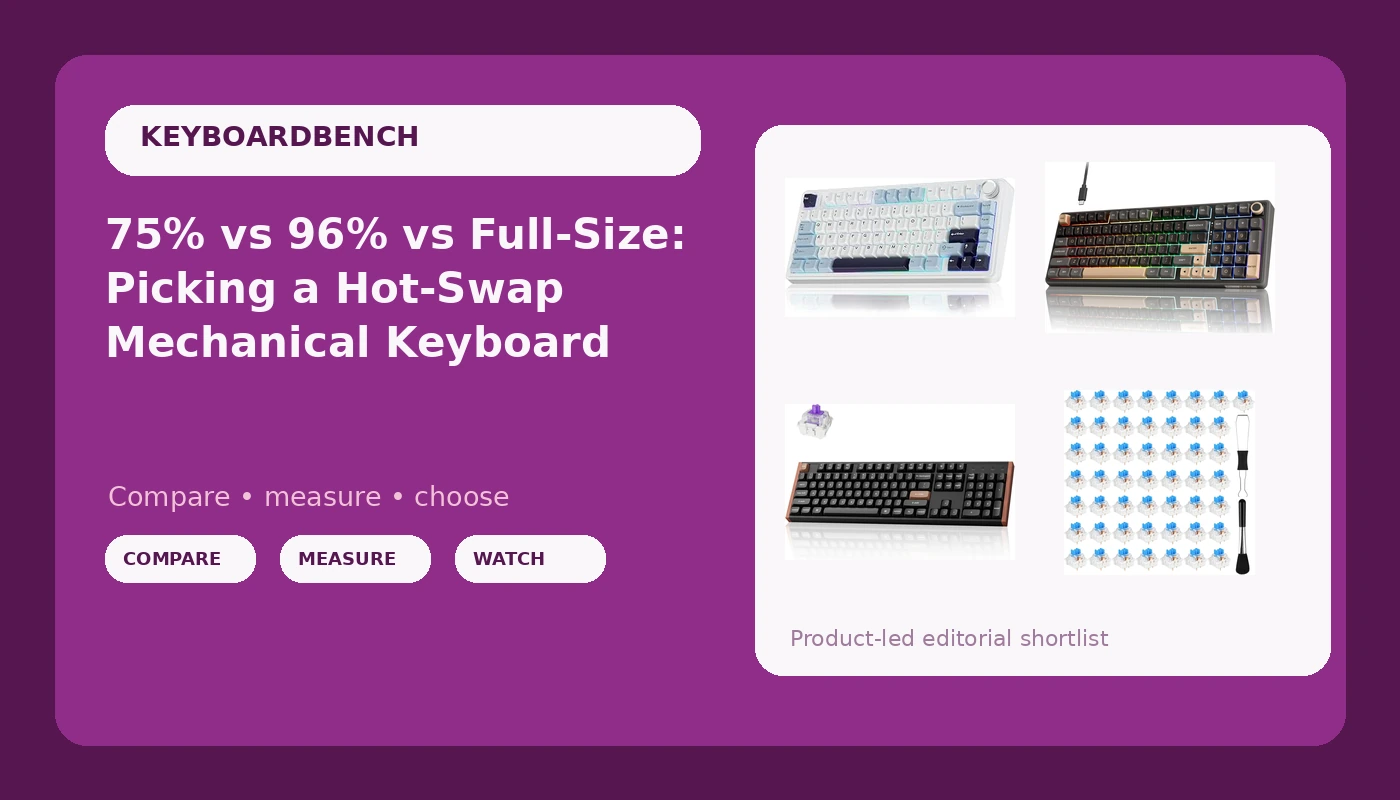
A hot-swap mechanical keyboard is the one purchase in this hobby you can get wrong and still fix cheaply. Buy a board with sockets instead of solder joints and a switch you dislike becomes a ten-minute swap rather than a desoldering project. That single feature reshapes how you should shop: layout and mounting matter more than whichever switch ships in the box, because the switches are the part you can replace. The four items below cover the layouts people actually argue about, a compact 75 percent wireless board, a 96 percent wired board with a number pad, a full-size Hall Effect board, and a bag of clicky switches for anyone who wants to change feel without buying a new keyboard at all.
Related: Hot-Swap Sockets Explained: What Fits and What Does Not →
Quick answer
Pick by layout first, then by whether you want analog input. The AULA F75 is a 75 percent wireless board with hot-swap sockets and pre-lubed Reaper switches. The RK ROYAL KLUDGE R98 Pro is a wired 96 percent gasket-mount board with a number pad, a volume knob, and MDA profile PBT keycaps. The Keychron K10 HE is a full-size wireless board built around Hall Effect switches and rapid trigger. The 50 Pcs Blue Keyboard Switches are a 3-pin clicky tactile kit for changing the feel of a board you already own. None of these is universally better; they solve different desk problems.
Four useful options
| Model | Best fit | What stands out |
|---|---|---|
| AULA F75 75% Wireless Mechanical Keyboard | Small desks, travel between rooms, wireless setups | 75 percent layout, hot-swap, pre-lubed Reaper switches, 2.4GHz plus Bluetooth 5.0 and Type-C |
| RK ROYAL KLUDGE R98 Pro Wired Mechanical Keyboard | Spreadsheet and code work that needs a number pad | 96 percent layout, gasket mount, MDA profile PBT keycaps, volume knob |
| Keychron K10 HE Full-Size Hall Effect Keyboard | Full-size typing plus analog gaming features | Hall Effect switches, rapid trigger, wireless, full-size layout |
| 50 Pcs Blue Keyboard Switches | Changing the sound and feel of an existing hot-swap board | 50 clicky tactile 3-pin switches with a puller and brush |
The compact wireless pick: AULA F75
A 75 percent layout keeps the function row, the arrows, and the modifiers most people actually press, and drops the number pad. That makes it the default recommendation for anyone whose desk is also a dinner table. The trade-off is real: if your work involves entering figures all day, you will miss the number pad within a week, and no amount of desk space saved will fix that. The wireless options here are the point for laptop users, since you can move between Bluetooth and a 2.4GHz dongle without replugging anything. Hot-swap sockets mean the pre-lubed Reaper switches are a starting point, not a commitment.
The number-pad value pick: RK ROYAL KLUDGE R98 Pro
The 96 percent layout is the quiet winner for hybrid work. You keep the number pad and gain a volume knob, which sounds like a small thing until you use one for a week and start reaching for it on every other keyboard you touch. Gasket mounting changes the feel in a way you notice on the first long typing session, because the plate is not rigidly bolted to the case. The MDA profile PBT keycaps are worth calling out too: PBT resists the shine that develops on cheaper ABS caps, and the taller, rounder MDA shape changes where your fingers land. This one is wired, so if a cable across the desk bothers you, look at the wireless options instead.
The full-size analog pick: Keychron K10 HE
Hall Effect switches do not close a metal contact. They measure how far a magnet has moved, which means the actuation point is a setting rather than a fixed physical property, and a key can reset the instant you begin lifting your finger. That is what rapid trigger means in practice, and it is the reason analog boards have a real following among people who play competitive games. The cost is that this is the most expensive item here, and the benefit is narrow: if you type documents all day and never play anything, you are paying for a feature you will not use. Full-size layout is the other half of the pitch, and for anyone who lives in a spreadsheet it is the correct answer rather than a compromise.
The cheap tuning upgrade: 50 Pcs Blue Keyboard Switches
This is the cheapest way to test whether you actually like clicky switches, and it is the item most people should buy before they buy another keyboard. Fifty switches is enough to fill a 75 percent board with a handful left over, and it is more than enough to populate the alpha cluster of a full-size board for a trial run. Two things to check before ordering. First, these are 3-pin switches, so confirm your board's sockets accept 3-pin and not only 5-pin. Second, clicky switches are loud in a way that linears and tactiles are not, which is fine in a home office and a problem in a shared one.
Prices and availability may change. Product images, names, and retailer links are matched to verified listings. No current price, rating, stock status, or measured result is stated here without current evidence.
What "creamy" actually describes
Two of the keyboards above use the word creamy in their listing names, and it is worth understanding what that word is doing. Creamy is a community description for a sound signature: a low, rounded, slightly damped noise rather than a sharp, high-pitched click. It comes from a combination of factors, not from a single component. A gasket mount softens the plate so vibrations travel less directly into the case. Factory-lubed switches reduce the scratchy friction noise that unlubed stems produce. A plastic case with some internal space tends to sound deeper than a thin aluminum tray. The word describes a sound profile, not a measurable specification, which means two boards both labeled creamy can sound completely different on your desk.
Your desk surface is half of the equation. A board that sounds deep and pleasant on a desk mat can turn sharp and hollow on a bare wooden table, and no switch swap fixes that. If a board sounds wrong to you, test it on a different surface before you spend money replacing anything.
Why hot-swap matters more than switch marketing
Hot-swap sockets are the single feature that changes how you shop. Without them, changing switches means desoldering every joint and resoldering new ones, which turns a ten-minute experiment into an afternoon with a soldering iron and a real risk of lifting a pad. With them, a switch puller and a little patience are the whole toolkit. That matters because switch preference is genuinely personal and genuinely hard to predict from a description. A switch described as smooth and linear may feel perfect to one person and lifeless to another. The only reliable test is typing on it for a few days, and hot-swap is what makes that test affordable.
There is one compatibility detail worth knowing before you order anything. Switches come in 3-pin and 5-pin versions, referring to the plastic legs on the underside. A 5-pin board's sockets have extra holes and will accept both types. A 3-pin board will only accept 3-pin switches unless you clip the two extra legs off. The 50-piece kit above is 3-pin, so it is a safe fit for most boards, but check your own sockets before assuming.
If you are choosing between the boards, work through this order:
- Decide whether you need a number pad. If you enter figures daily, cross the 75 percent board off your list first.
- Decide whether you need wireless. The 96 percent option is wired, and no feature compensates if a cable is a dealbreaker for your setup.
- Decide whether you want analog input. Rapid trigger is a gaming feature, and it only earns its premium if you actually play.
- Confirm the layout fits your desk and your hands before comparing anything else.
- Check socket compatibility if you plan to swap switches, especially with 3-pin kits.
- Treat the stock switches as a starting point, not the final answer, and budget for a swap later if the feel is not right.
Practical guidance before you buy
- Buy the layout you can live with for two years, not the one that looks best in a photo.
- If you already own a hot-swap board you mostly like, a switch kit is a better spend than a new keyboard.
- PBT keycaps resist the shiny wear that shows up on ABS caps within months of daily use.
- Gasket mounting changes typing feel more than most spec-sheet numbers do, so weigh it seriously.
- Clicky switches are loud; linears are quiet; tactile switches sit in between. Match the noise level to your room.
- A volume knob is a small feature that gets used constantly, and its absence is noticed only after you have had one.
Which option should you choose?
Choose the AULA F75 75% Wireless Mechanical Keyboard when you want a compact wireless board with hot-swap sockets and pre-lubed switches on a small desk. Choose the RK ROYAL KLUDGE R98 Pro Wired Mechanical Keyboard when you need a number pad and a volume knob, want gasket mounting and PBT keycaps, and do not mind a cable. Choose the Keychron K10 HE Full-Size Hall Effect Keyboard when you want a full-size layout plus analog switches and rapid trigger for gaming. Choose the 50 Pcs Blue Keyboard Switches when you already have a compatible hot-swap board and want to change its sound and feel for very little money.
One caveat on all of this: layout, mounting style, switch type, and keycap material are listed facts you can compare directly. Sound, feel, and long-term durability are not, and nobody can predict from a listing whether a board will suit your hands. Treat every description of tone and feel, including the ones on this page, as a starting point rather than a verdict.
The bottom line
The sensible order of operations is layout, then connection, then switches. Get the first two right and the third is a cheap experiment, because hot-swap sockets mean the switches are never permanent. The AULA F75 covers compact wireless work, the RK ROYAL KLUDGE R98 Pro covers number-pad productivity with a gasket mount and PBT caps, and the Keychron K10 HE is the full-size analog option for people who want rapid trigger. The 50 Pcs Blue Keyboard Switches are the low-risk way to find out what you actually like before spending keyboard money. Check current Amazon price on whichever layout fits your desk, and let the switches be the part you change later.