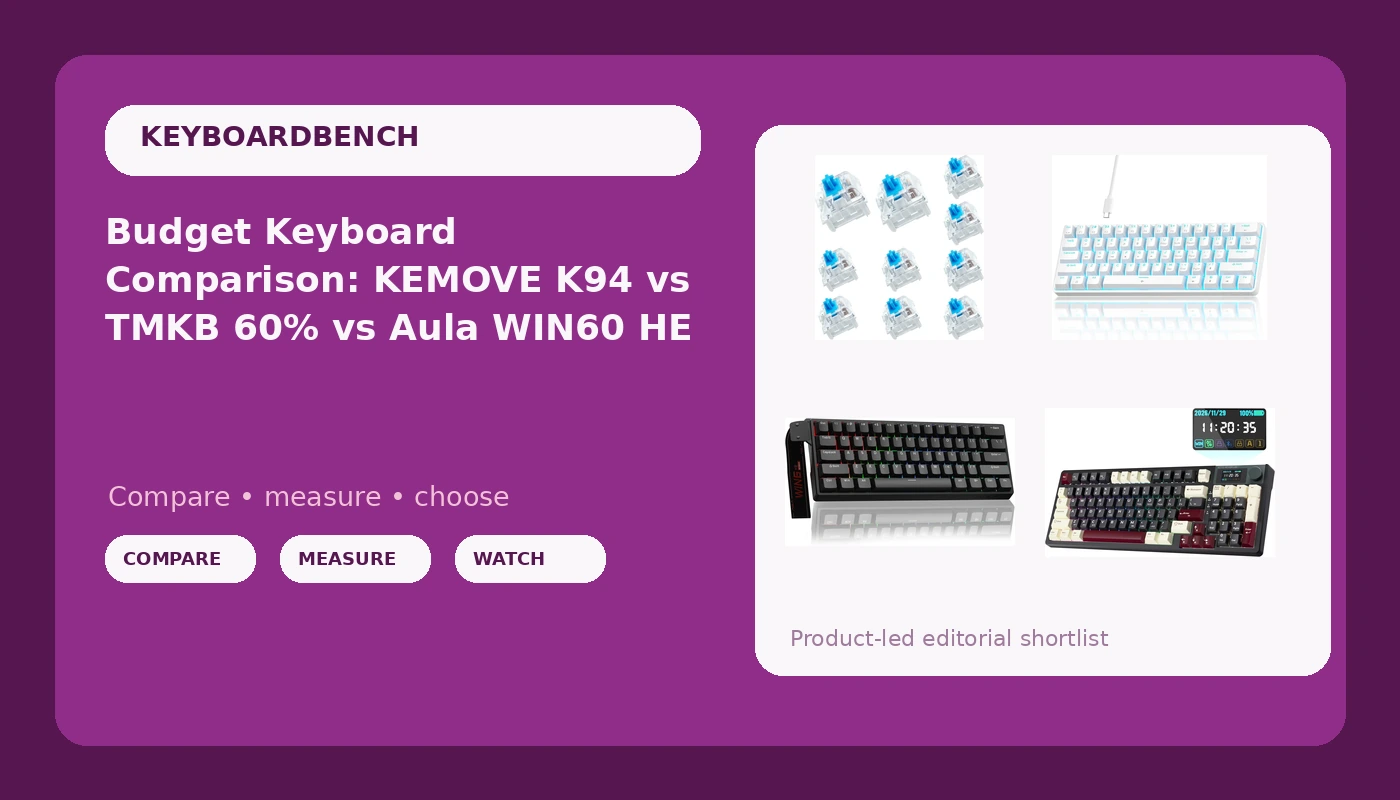
I have built 14 custom boards, I own more sets of switches than I can justify, and the hardest question in this hobby is still the boring one: what do you buy when your budget tops out well under $100? This budget mechanical keyboard comparison lines up four very different answers. One is a wireless board with a screen, a knob, and real QMK/VIA firmware. One is a magnetic-switch 60% built around gaming. One is a cheap wired 60% that just wants to get you typing. One is a five-dollar pack of clicky switches that is not a keyboard at all.
Related: Keyboard Form Factors Explained 60 Vs 65 Vs Tkl Vs Full
The best buy for most people here is the KEMOVE K94, because wireless, QMK/VIA remapping, a knob, and a screen cover the widest range of daily work for a price that still undercuts most enthusiast boards. If your priority is competitive gaming rather than typing, the Aula WIN60 HE is the more interesting machine, and the TMKB 60% is the cheapest way onto a small desk.
I do not print prices, because they move every few weeks. Every price cell below points you at the live listing instead.
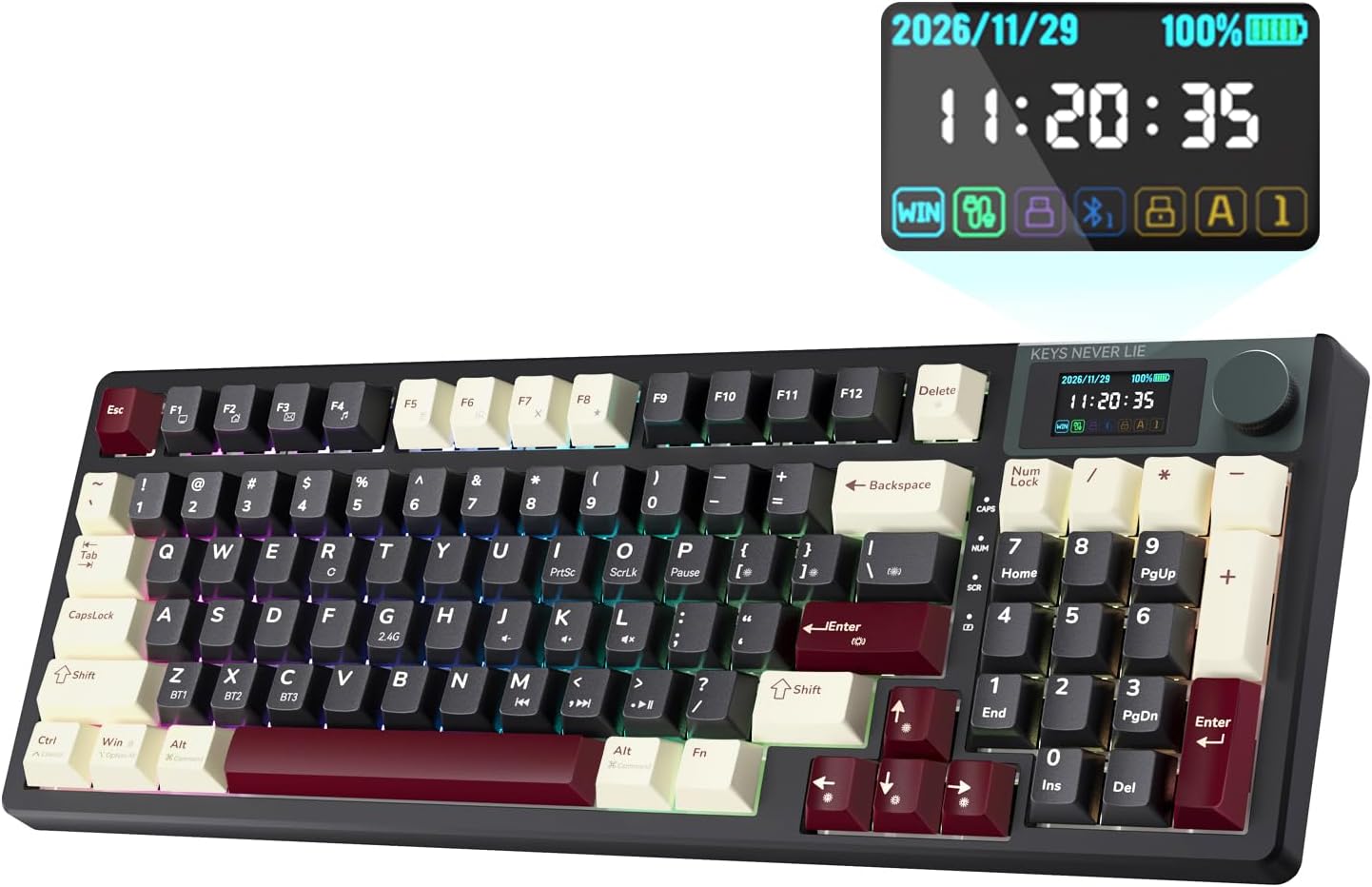
KEMOVE K94 Wireless Mechanical Keyboard, QMK/VIA, LCD Screen & Metal Knob
Wireless plus QMK/VIA, a screen and a metal knob: the most complete board in this group
94 keys is not a compact 60%, and the screen is a novelty some people will never look at
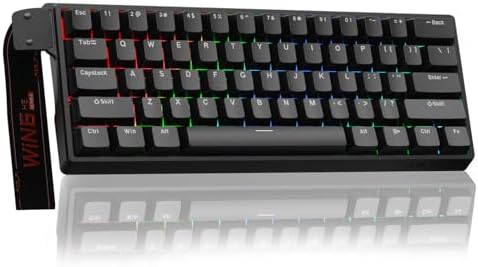
Aula WIN60 HE - 60% Mechanical Gaming Keyboard Wired, Magnetic Switch Hot Swappable, Adjustable Actuation Rapid Trigger Mode, 8000 Hz Polling Rate, RGB Small Keyboard 60 Percent Compact Design for PC
Adjustable actuation and rapid trigger are a genuine competitive edge, and 8000 Hz polling is real headroom
Wired only, and magnetic switches mean your spare MX switches do not fit it
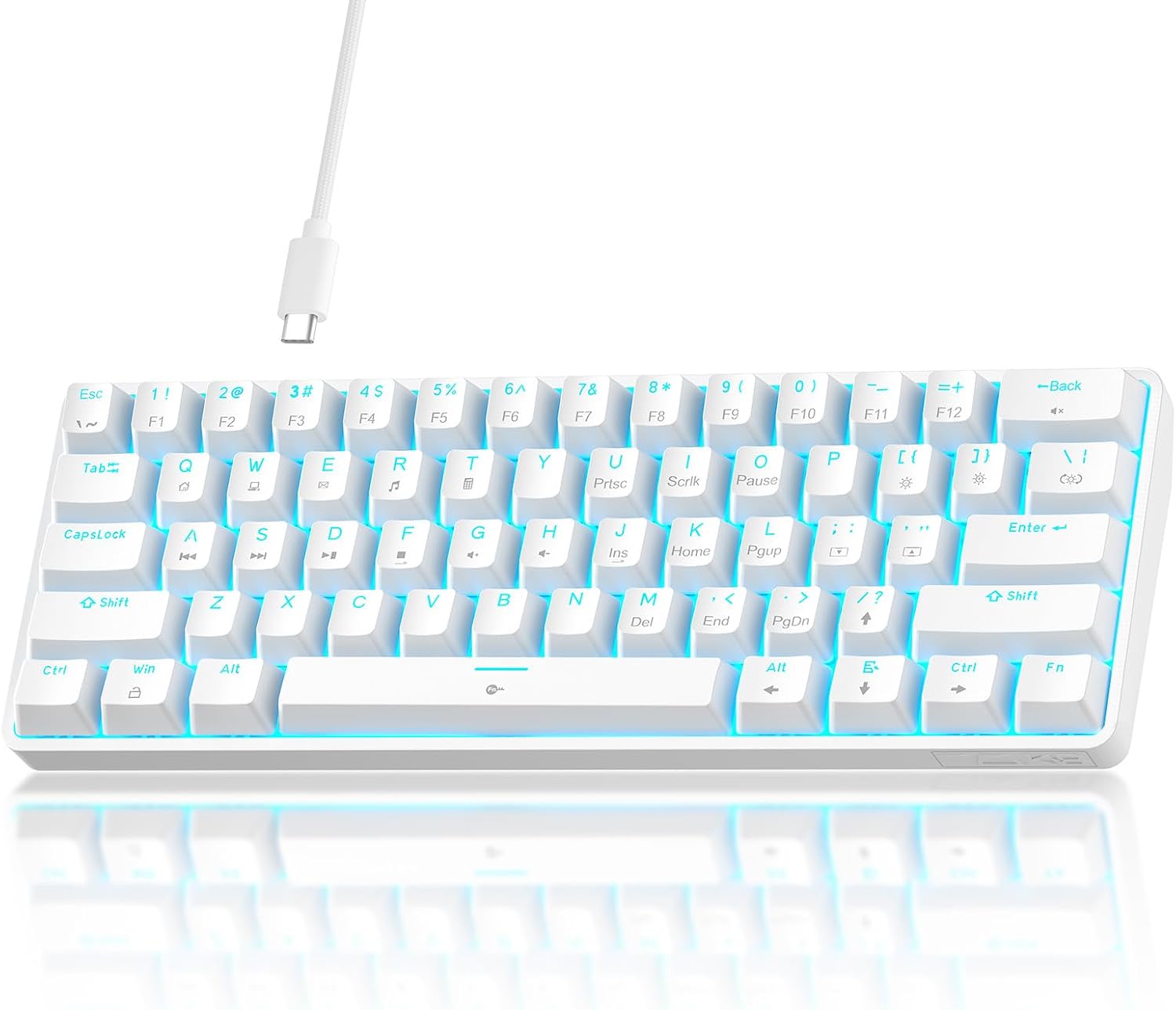
TMKB 60% Mechanical Gaming Keyboard, Red Linear Switch, Wired, White
The lowest entry price here for a full board with a safe, quiet switch
Budget build, so stabilizers are the first thing to check, and hot-swap is not advertised
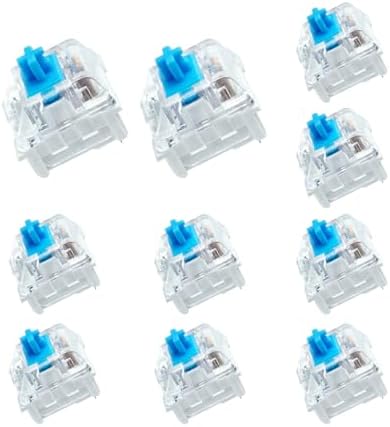
BlingKingdom 10 PCS Mechanical Keyboard Switches, MX Clicky Blue for Gaming
The cheapest way to find out whether you actually like clicky switches
Ten switches is not a set. This cannot fill a board, and it is not meant to
Prices and availability were captured from Amazon Creators API and may change.
The KEMOVE K94: the do-everything wireless board
The KEMOVE K94 is the only product here that tries to be everything at once. It is wireless, it runs QMK and VIA, it has a small LCD screen and a metal knob, and it is a 94-key layout, which keeps the number pad and the function row while giving up very little desk space compared to a full-size board.
For anyone who remaps keys constantly, QMK and VIA are the actual headline. VIA lets you move keys, build layers, and set macros without installing a vendor utility that wants an account and a background service just to change your lighting. That is not a small thing. A good chunk of the boards I have sent back went back because of software, not switches, and firmware you can flash yourself is the fix.
The screen earns its place if you jump between a laptop and a desktop all day: layer state, battery, and connection mode at a glance. The knob is the more practical addition, because volume, scroll, and zoom are things you use every hour.
The trade-offs are real but modest. A 94-key board is not a 60%, so it is not the smallest option in this comparison, and the screen and knob are extra parts that a plain board does not have. If you want one keyboard for work, writing, and everything else, this is the one I would point you to first. Visit on Amazon →
The Aula WIN60 HE: magnetic switches for people who game
The Aula WIN60 HE is the gaming pick, and it is the only board in this group with magnetic switches. The features that matter: hot-swappable magnetic switches, adjustable actuation, rapid trigger mode, an 8000 Hz polling rate, RGB, and a compact 60% case.
Rapid trigger is the one worth understanding. On a normal mechanical switch, the key registers on the way down and resets at a fixed point on the way up. On a magnetic board with rapid trigger, the key resets the moment you start lifting your finger, and the actuation point is something you set in software rather than something the switch decides for you. In games where counter-strafing and fast taps matter, that is a measurable advantage rather than a marketing line. It is the same reason analog boards became popular with shooter players.
For typing, adjustable actuation is mostly a curiosity. You dial it in once, decide whether you like a shallow or deep press, and then forget the setting exists. That is fine. The bigger caveats are that this board is wired only, and that a 60% layout puts your arrow keys and function row on layers. The one that catches people out: magnetic-switch sockets take magnetic switches. The pile of MX linears in your drawer will not drop into this board. Visit on Amazon →
The TMKB 60%: the cheapest way onto a small desk
The TMKB 60% is the budget entry: a wired 60% board in white with red linear switches. Red linears are the safest first switch for most people, since they are smooth, quiet, and light enough that your fingers do not fight them during a long writing session. Nothing about the switch choice will surprise you, which is exactly what a first board should do.
The layout is the real decision. A 60% drops the arrow keys, the function row, and the number pad, so everything you lose lives on a layer you reach with a modifier. Some people adapt in a week and never go back. Some people never stop missing dedicated arrows. That is a personal answer, not a spec.
Two things I would verify before buying. First, whether the board is hot-swap. The listing does not advertise it, and on a board at this price you should assume the switches are soldered unless the seller confirms otherwise. Hot-swap is non-negotiable in 2026 because it is the difference between a ten-minute switch experiment and a soldering session. Second, the stabilizers, because that is where budget boards save money. Type on the space bar and the backspace for a few minutes and listen for rattle before you decide the board is a keeper. Visit on Amazon →
The BlingKingdom clicky blues: a five-dollar experiment
The BlingKingdom pack is ten MX-style clicky blue switches, and it is not a keyboard. Sixty percent boards need roughly 61 to 68 switches, so ten will not fill anything. What it is for is sampling: dropping a few into a hot-swap board to find out whether you actually enjoy a click, replacing a dead switch or two, or keeping spares for a build.
Clicky switches are the most satisfying thing to type on in an empty room and the fastest way to lose friends in an open office. If you take calls, share a wall, or work next to another human, clicky is the wrong answer and no amount of crispness fixes that. If you type alone and want to know what the fuss is about, ten switches is a cheap education, and it costs less than most switch testers. Just confirm your board's hot-swap sockets accept standard MX-style stems before you order. Visit on Amazon →
The three specs that actually decide this comparison
Hot-swap. If a board does not let you pull switches without a soldering iron, it is obsolete the day it arrives, because your taste will change. Two of these products are built around swapping: the Aula's magnetic sockets and any standard hot-swap board the BlingKingdom switches fit into.
Stabilizers. This is the difference between a cheap board and a good one, and it is the first thing I listen for on anything under $100. The space bar and backspace are where rattle shows up. A little lube on the stabilizer wires fixes most of it, but a board that ships quiet saves you the work.
Wired or wireless. Wireless is a feature right up until the battery dies mid-sentence. The KEMOVE K94 is the only wireless option in this group, and that single fact makes it the most flexible board here for anyone who moves between a laptop and a desktop. The other two boards are wired, which means no charging, no latency questions, and no battery to age.
Linear, clicky, or magnetic: a quick orientation
Linear switches, like the reds in the TMKB board, have no bump and no click. They are the default recommendation for people who type for a living because there is nothing between your finger and the keypress.
Clicky switches, like the BlingKingdom blues, add an audible click on press. They are loud, they are fun, and they get old around week two for most people.
Magnetic switches, like the ones in the Aula WIN60 HE, use magnetic sensing instead of a metal contact. That is what makes adjustable actuation and rapid trigger possible, and it is why the board can change how it feels without you touching a switch.
Who should buy which
Buy the KEMOVE K94 if you want one board for work and play, you remap your keys, and you want the option of wireless. It is the most complete product here and the easiest to live with long term.
Buy the Aula WIN60 HE if you play shooters seriously, you want rapid trigger, and you are comfortable with a wired 60% layout and a switch type that only takes magnetic replacements.
Buy the TMKB 60% if you want to try a small board for the least money and you accept that you may want to replace the stabilizers or move on within a year.
Buy the BlingKingdom pack if you are curious about clicky switches, or if you already own a hot-swap board and want spare switches on hand. Not as your only keyboard purchase.
What I would skip, and why
I would not buy the switch pack expecting a keyboard, and I would not buy a 60% board expecting dedicated arrow keys. I would also not pay a premium for RGB on any of these. Lighting is the least interesting thing a keyboard does, and a board that sounds good naked will still sound good in a year, while lighting you stop noticing in a week.
The pattern that holds across every board I have lived with: sound and feel out of the box predict long-term satisfaction better than any spec sheet. A board that needs a tape mod and foam to sound decent was assembled, not designed.
Type on whatever you buy for two weeks of real work before you judge it. If you stop noticing the keyboard, it is good. If you keep noticing the rattle, you know exactly what to fix.