
Related: Best Budget Mechanical Keyboards for Typing All Day
The first thing I do with any board in a budget hot-swap keyboard build is pull a keycap and look at the stabilizers. That habit has saved me more money than any spec sheet. A board can have a beautiful aluminum case and still rattle like a tin can, and you will not know until you press the spacebar.
A budget hot-swap keyboard build is not about spending more. It is about spending in the right order. The board first, because the case, the plate, and the stabilizers set the ceiling on everything else. Switches second, because those are the parts your fingers actually touch. Lube third, because a thin coat of the right grease turns a rattly spacebar into something you stop hearing. Keycaps last, and only if you care.
That is the whole guide: four parts, one order, and a reference table at the end that I keep open while I build.
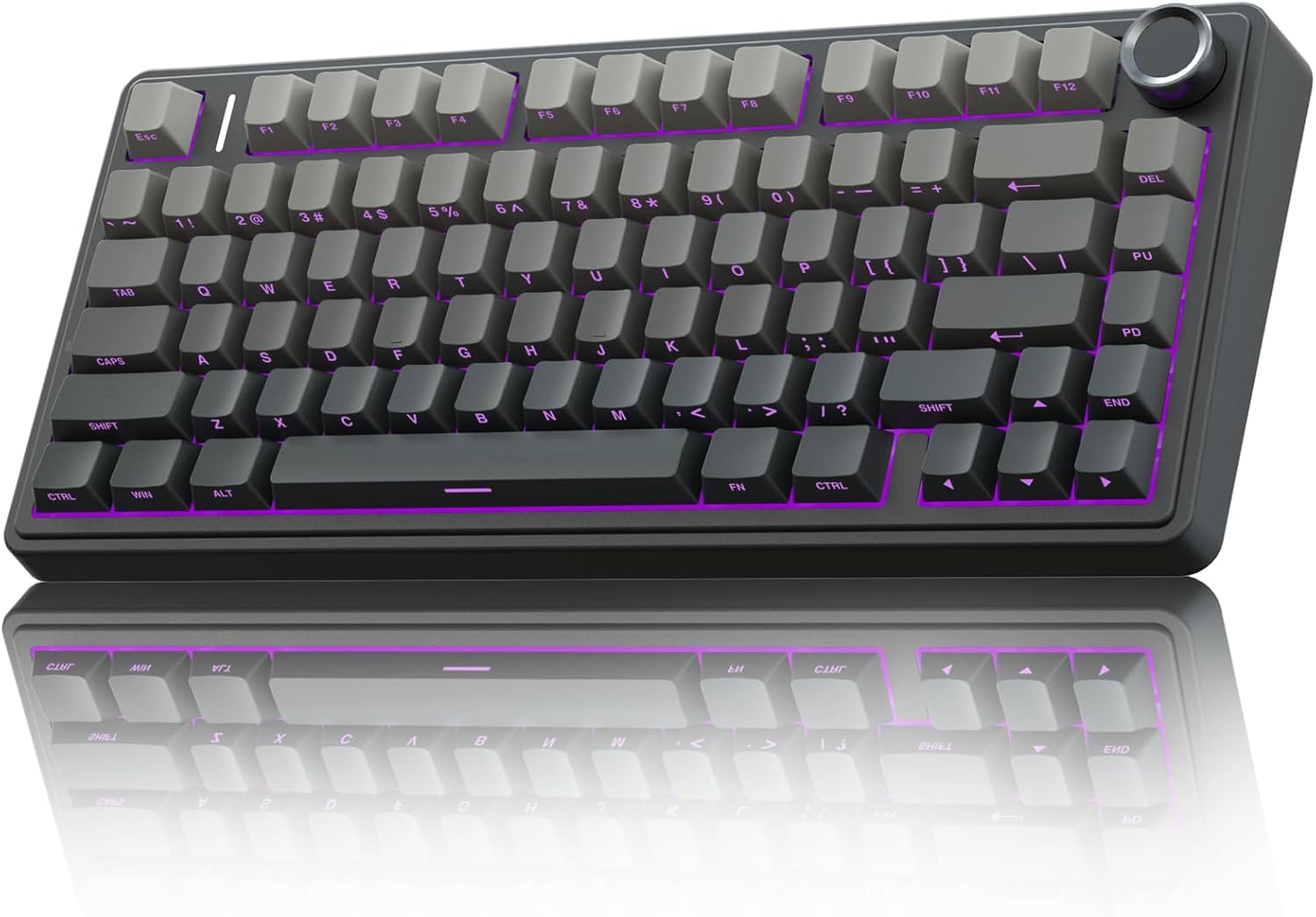
The board: AULA F75 Pro Wireless Mechanical Keyboard
The F75 Pro is a 75 percent layout with a knob in the top right corner, and that knob is the detail that makes it feel like more board than it is. By default it handles volume. I remap knobs to scroll because I read long documents all day, and the fact that you can remap it at all is the point. Software that needs an account to change your lighting is a pet peeve of mine, and this one stays out of the way.
It is hot-swap, which in 2026 is non-negotiable. Three connection modes: 2.4GHz, USB-C, and Bluetooth 5.0. A 75 percent layout keeps the function row and the arrow keys and drops the numpad, which is the right trade for anyone who codes or writes for a living.
The stock switches are pre-lubed Reaper linears. They are smooth, quiet enough for an open office, and most people will never open the board. The side printed PBT keycaps are the bigger story. Legends on the front face will not wear away under your fingertips the way top printed ABS does, and PBT holds its texture instead of going shiny in a month. Keycap quality tells you more about a board than the case material does.
RGB is there if you want it. I mostly do not, but I own a board with RGB, so take that for what it is.
What matters for a build is that the sockets take both 3-pin and 5-pin switches. That means both switch sets below drop in without clipping a single plastic leg.
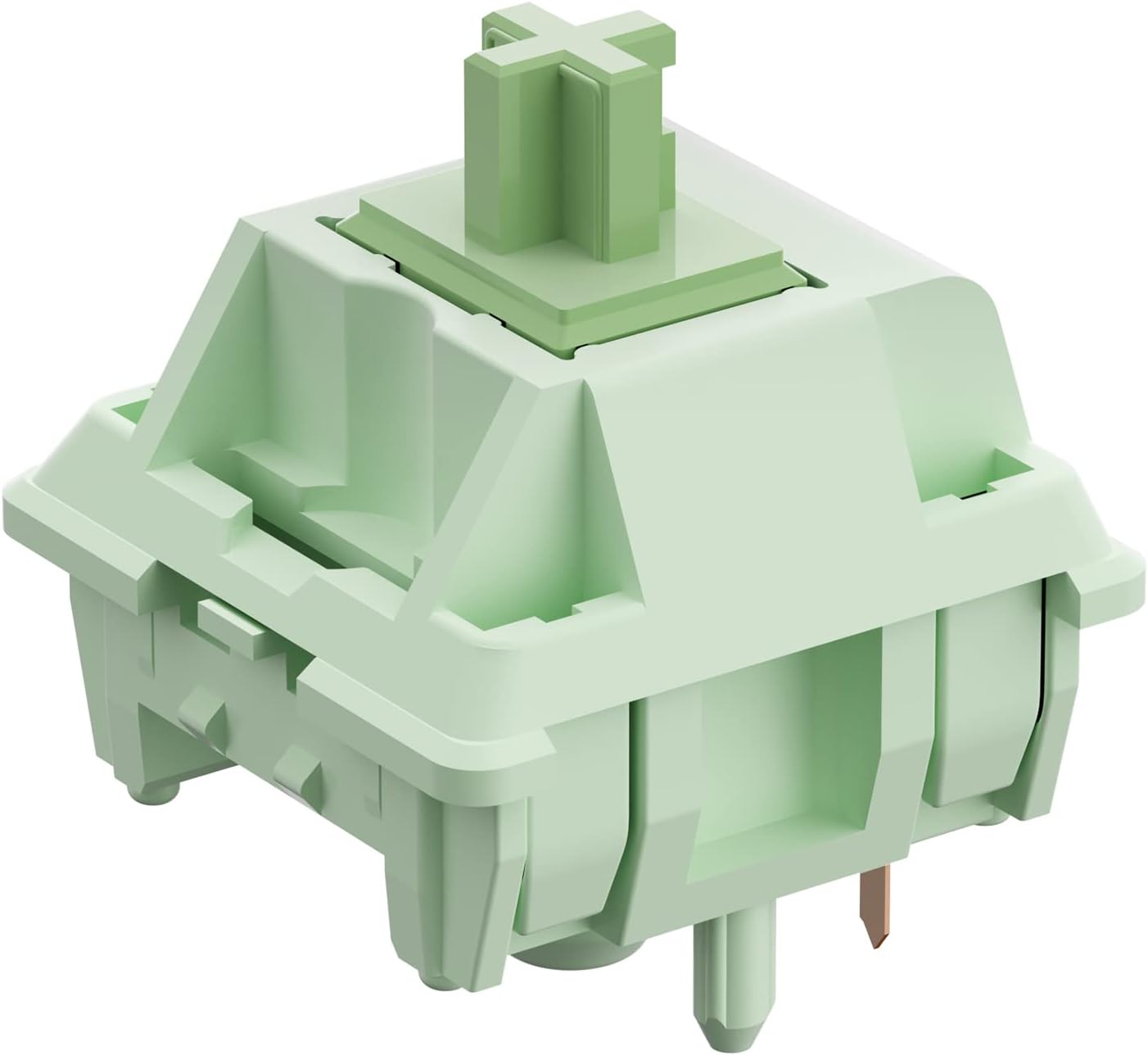
The linear swap: Feker x Matcha Switches
Matcha switches are a 60cN linear with a 5-pin mount, sold in 45 piece packs and pre-lubed from the factory. Sixty grams of actuation force puts them on the heavier side of the linear world. If you bottom out hard on light springs and hate how that feels, this is the weight you want.
The 5-pin design is the practical part. Two extra plastic legs stabilize the switch in the plate, which means less wobble and a more consistent sound across the whole board. The F75 Pro accepts them as they come. In a board with 3-pin only sockets you would be clipping legs off with flush cutters for twenty minutes, and nobody enjoys that.
Pre-lubed does not mean perfectly lubed. Factory lube goes on fast and unevenly, and the difference between a good switch and a great one is consistency more than quantity. Drop these straight into a board and they feel good. Buy them for a build you actually care about and the lube kit below is why the order of this guide matters.
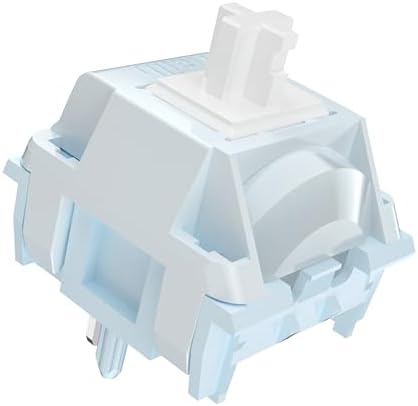
The clicky option: Kailh Box White Clicky Switches
Box Whites are the clicky switch I point people toward when they want noise without being the person everyone on the floor complains about. The click is crisp and high, and the sound is the reason to buy them. A switch review that does not mention sound is not a review. Sound is half the keyboard and half your desk.
These are dustproof and hot-swappable, and they work in both 3-pin and 5-pin sockets. Seventy-two pieces covers a 75 percent board with spares left over for the keys you wear out first, which is usually the spacebar and the W.
Clicky is a commitment. You cannot lube the click mechanism without killing the click, and lubing the slider changes the pitch. If you go clicky, the lube kit is for the stabilizers and the springs, not the leaf. That single rule keeps a clicky board sounding like a clicky board.
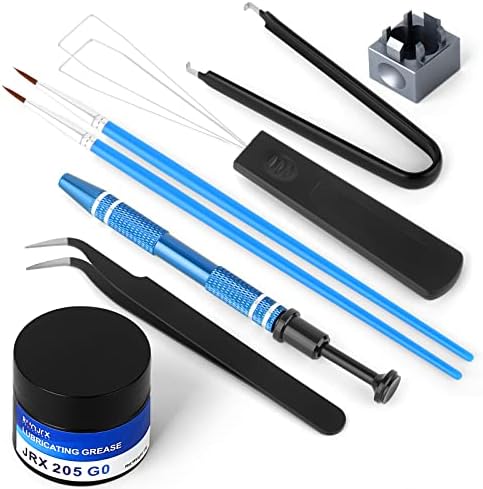
The maintenance pick: RUNJRX Keyboard Lube Kit
The kit is 15g of JRX-205 G0 switch lube, a switch opener, and a pair of tweezers. 205g0 is the standard grease for linear switches and stabilizers, and 15g goes a long way because you are applying a film, not a blob.
The switch opener is the piece people forget to buy. Opening a full set of switches with a flathead screwdriver is how you crack housings and stab your thumb. The tool pays for itself in the first twenty switches.
Here is the short version of how to use it. Open the switch, brush a thin film on the stem rails and the spring, leave the leaf alone on clicky switches, and stay consistent. Consistency matters more than the amount, every time. Stabilizers get a heavier coat, and that is where the rattle fix actually lives. Rattle is the first thing I listen for, and lube is the cheapest fix in this hobby.
How I evaluate this gear
My rule is two weeks of daily typing before I form an opinion on a board. Unboxing videos are not reviews. If I stop noticing the keyboard after a week, it is good.
The stabilizer rattle test comes first. Press the spacebar, the shift keys, and the backspace slowly, and listen for the metallic ping. Cheap boards all rattle, and it is the single clearest tell of where a manufacturer saved money.
Then the hot-swap check. Pull a switch with a proper tool, look at the socket, and put it back. If the socket feels loose or the switch sits crooked, the board is not a long term platform.
Then the switch comparison. I type the same paragraph on two sets of switches with my eyes closed and pick the one I would rather write code on. Switch feel is personal, and best is a lie without knowing whether you type or game.
Analysis: where the money should go
The board sets the ceiling. If the stabilizers rattle and the plate flexes in the wrong places, no switch set will save it. That is why the AULA F75 Pro comes first in this build: hot-swap sockets, a 75 percent layout, three connection modes, and PBT caps at a budget price, with room to grow.
Switches are the biggest change per dollar. A different spring weight and a different mount change how the board sounds and feels more than any other single purchase, and they are the one part you can move to your next board when you upgrade.
Lube is the cheapest fix and the one people skip. A thin coat on the springs and stabilizers removes the ping that makes a good board sound cheap. It will not turn a bad board into a good one, but it will make a good board sound like one.
Keycaps come last. Cheap caps feel worse than cheap cases, but a board with solid PBT caps and rattly stabilizers is still a rattly board. Fix the rattle first.
The budget hot-swap build reference table
| Part | Role in the build | Compatibility | Notes |
|---|---|---|---|
 Visit on Amazon → Visit on Amazon →AULA F75 Pro |
The board | 75 percent, hot-swap, 2.4GHz / USB-C / BT5.0 | Knob, side printed PBT caps, pre-lubed Reaper linears |
 Visit on Amazon → Visit on Amazon →Feker x Matcha Switches |
Linear swap | 5-pin, 45 pieces | 60cN, pre-lubed, needs clipping in 3-pin only sockets |
 Visit on Amazon → Visit on Amazon →Kailh Box White Clicky Switches |
Clicky swap | 3-pin and 5-pin compatible, 72 pieces | Dustproof, hot-swappable, do not lube the click leaf |
 Visit on Amazon → Visit on Amazon →RUNJRX Lube Kit |
Maintenance | Fits MX style switches and stabilizers | 15g JRX-205 G0, switch opener, tweezers |
Build order: board, switches, lube, then keycaps if you still have money. Buy the board once and the switches whenever you want a change.
Should you buy the AULA F75 Pro?
Yes, if you want a 75 percent hot-swap board with a knob, three connection modes, and PBT keycaps without paying aluminum prices. It accepts both 3-pin and 5-pin switches, which makes it a platform instead of a purchase. The stock pre-lubed Reaper linears are good enough that many people will never open it.
The honest caveat is the spacebar. Mine has a slight ping, and that is a stabilizer issue, not a board issue, and it is exactly what the lube kit is for. If you are willing to spend twenty minutes with a brush, you get a board that sounds far more expensive than it is.
Should you buy the Feker x Matcha switches?
Yes, if you want a heavier linear with a 60cN spring and a 5-pin mount that drops straight into a hot-swap board. They arrive pre-lubed in 45 piece packs, so they are the cheapest way to change how your board feels. If you bottom out hard on light springs and hate it, this is the weight that stops you.
Pair them with the lube kit and a clicky set for the keys you want to hear, and you have two boards in one case. That is the whole argument for hot-swap in 2026. Soldering is a hobby, not a requirement.