
Shopping for the best mechanical keyboards in 2026 means scrolling past a wall of listings that all promise the same three things: fast switches, durable keycaps, and gaming-ready styling. The details that decide whether you still enjoy a board after two weeks of daily use rarely make the headline. Switch weight and travel determine whether a full workday feels effortless or tiring. Keycap material determines whether the surface stays crisp or turns shiny within a few months. Sound dampening and stabilizer design determine whether the board sounds solid or hollow. Hot-swap sockets determine whether you can change your mind about switches next year without picking up a soldering iron.
This guide covers six products from the current listings: five complete keyboards and one set of switches for readers who already own a hot-swap board. The range includes a full-size gaming keyboard with optical switches and a wrist rest, two mainstream gaming boards with linear switches, a wired office board with tactile switches, a compact 75% layout with an onboard display, and a 45-piece switch set for quieting an existing keyboard. Everything below comes from the manufacturer listings for each model, and every card is matched to the retailer link by product identifier, so the product you click is the product described.
Related: How to Tune Stabilizers Without Desoldering
Quick answer
The ASUS ROG Strix Scope II Gaming Keyboard is the strongest fit for mixed gaming and desk work because it ships with pre-lubed ROG RX Red linear optical switches, PBT doubleshot keycaps, sound-dampening foam, multi-function controls, streaming hotkeys, and an included wrist rest, which together cover the upgrades most buyers end up paying for separately. Choose the Cherry KC 200 MX Wired Mechanical Office Keyboard instead when your day is mostly documents, email, and code, and you want tactile MX2A Brown switches in a wired board without gaming extras.
Mechanical keyboards worth comparing
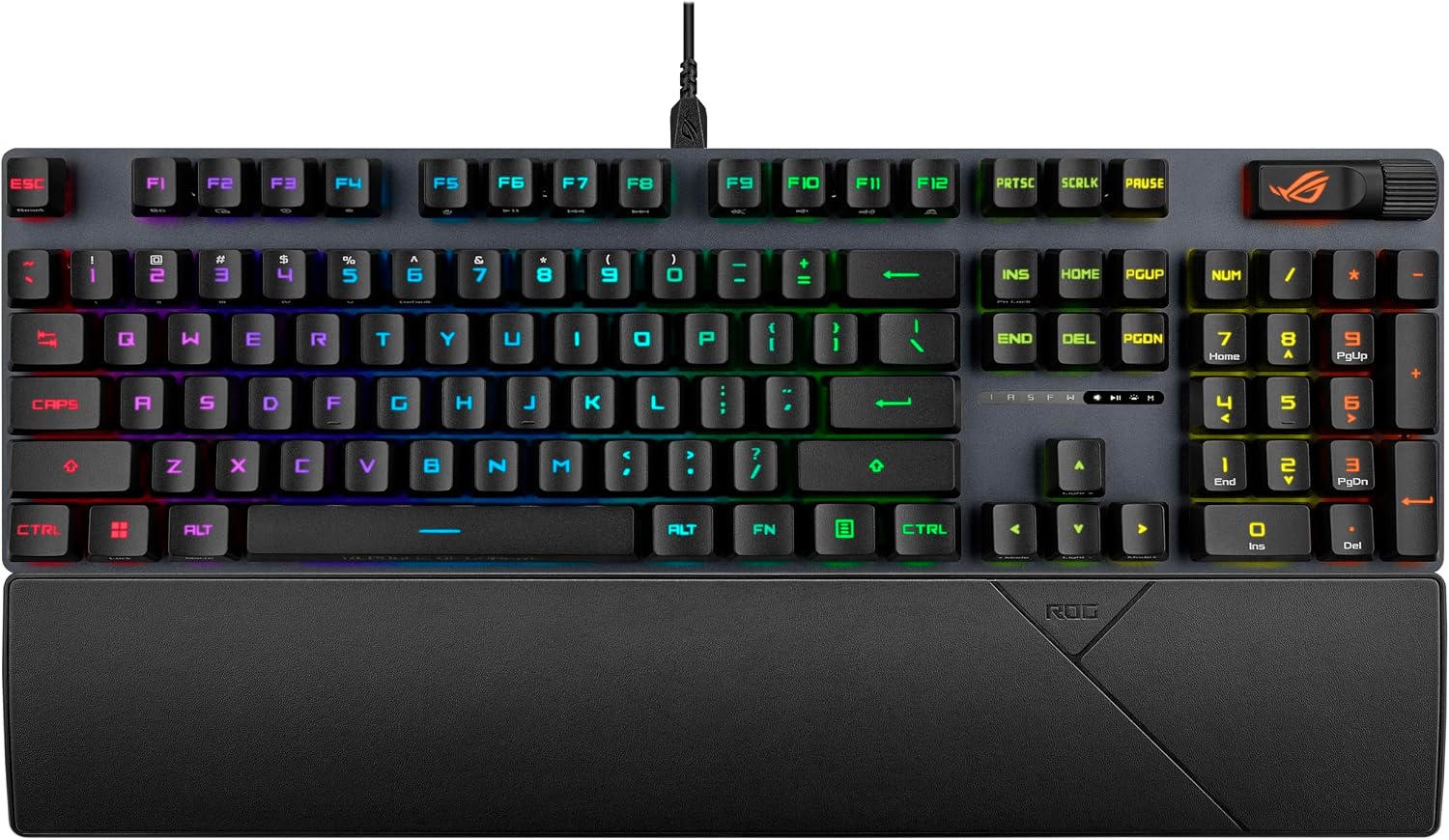
ASUS ROG Strix Scope II Gaming Keyboard, pre-lubed ROG RX Red Linear Optical switches, Sound-dampening Foam, PBT doubleshot keycaps, Streaming hotkeys, Multi-Function Controls, Wrist Rest
A wired gaming keyboard with pre-lubed ROG RX Red linear optical switches, PBT doubleshot keycaps, and sound-dampening foam, plus streaming hotkeys, multi-function controls, and an included wrist rest.
Visit on Amazon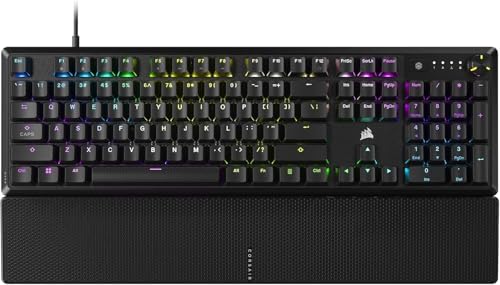
CORSAIR K70 CORE RGB Mechanical Wired Gaming Keyboard with Palmrest, Pre-Lubed MLX Red Linear Switches, SOCD, ABS Double-Shot Keycaps, Sound Dampening, Media Control Dial, QWERTY NA, Black
Pre-lubed MLX Red linear switches with SOCD, ABS double-shot keycaps, sound dampening, a media control dial, and a bundled palmrest in a wired QWERTY NA layout.
Visit on Amazon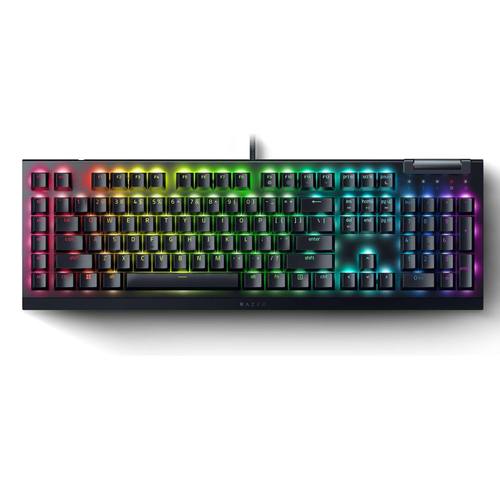
Razer BlackWidow V4 X Mechanical Gaming Keyboard, Yellow Switches, Black
A wired mechanical gaming keyboard with Razer Yellow switches in a black finish, for players who prefer a smooth linear feel from a gaming-first brand.
Visit on Amazon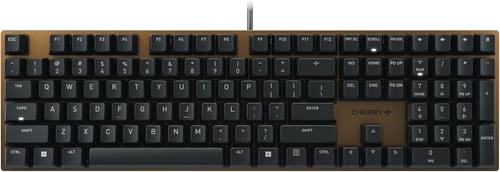
Cherry KC 200 MX Wired Mechanical Office Keyboard MX2A Brown Switches
Check current Amazon price
A wired mechanical office keyboard built around MX2A Brown tactile switches, positioned for long typing sessions where a bump you can feel matters more than lighting.
Visit on Amazon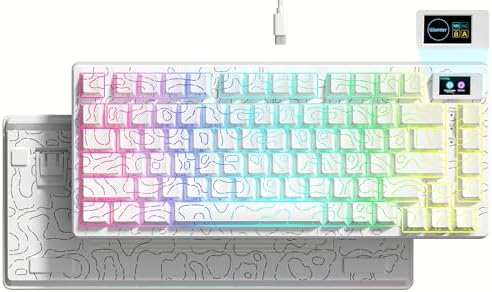
Womier SK80 75% Keyboard with Color Multimedia Display Gaming Keyboard
A 75% layout board with a color multimedia display, aimed at compact setups where desk space is tight and on-board status information is useful.
Visit on Amazon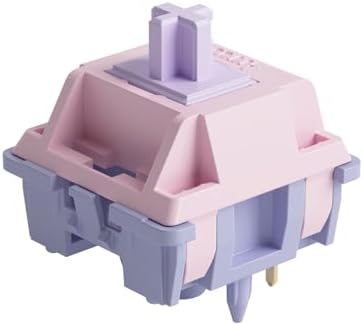
Akko V3 Fairy Linear Silent Keyboard Switch for Mechanical Gaming Keyboard, 5-Pin 50gf Quiet Pre-Lubed Switches with Standard MX Structure (45pcs)
A 45-piece set of 5-pin, 50gf pre-lubed linear silent switches with standard MX structure, for readers who want to quiet an existing hot-swap board.
Visit on AmazonPrices and availability may change. Check the retailer for current details.
How these products were compared
This guide compares switch type and actuation feel, keycap material and layout size, sound dampening and stabilizer design, onboard controls and connectivity, and modding potential such as switch compatibility and hot-swap support. Product names, images, and retailer links are matched by product identifier so that every card points to the product shown. Specifications come from the manufacturer listings for each model, so confirm the details of the exact variant you plan to order before checkout.
How to choose the right mechanical keyboard
Start with switch type, because it shapes everything else about how the board feels. Linear switches, which include the MLX Red, ROG RX Red, and Razer Yellow options in this group, travel straight down without a bump, so repeated presses feel smooth and predictable. That suits fast gaming inputs, and plenty of people also type all day on linears without complaint. Tactile switches, like the MX2A Brown switches in the Cherry board, add a bump at the actuation point that confirms each press without an audible click, which many writers and developers prefer. Silent linear switches, like the Akko set, are for the specific problem of noise in a shared room or on calls. If you already own a hot-swap keyboard, buying a switch set is the cheapest way to test whether a different feel is actually better for you, rather than guessing from descriptions.
Layout and materials matter just as much. A 75% board keeps the arrow keys and function row while dropping the number pad and shrinking the desk footprint, which is what the Womier SK80 offers alongside its color multimedia display. A full-size board keeps the number pad for spreadsheets and data entry. Keycap material is the other tell: PBT doubleshot caps resist the shine that ABS caps develop, and sound-dampening foam inside the case shapes how the board sounds rather than how it performs. If the sound is what bothers you about your current keyboard, stabilizer tuning is usually the first fix, and you can handle most of it without desoldering.
ASUS ROG Strix Scope II Gaming Keyboard
The ASUS ROG Strix Scope II Gaming Keyboard is the top pick here because its feature list already includes the parts buyers usually add later. It ships with pre-lubed ROG RX Red linear optical switches, PBT doubleshot keycaps rather than the cheaper ABS alternative, sound-dampening foam inside the case, streaming hotkeys, multi-function controls, and a wrist rest in the box. For a single board that has to handle ranked matches on Friday and eight hours of work on Monday, that combination covers the most ground with the fewest compromises.
The trade-off is the optical switch platform. ROG RX Red switches are optical, which means standard MX-compatible switches will not drop into this board the way they would into a hot-swap board, so anyone who plans to swap switches every few months should look at the Akko set or a board built around socketed switches instead. It is also a wired keyboard, so if you need to move between a desk and a couch with no cable, this is not the answer. As a fixed-configuration board that arrives ready to use, it is the safest default of the group.
Alternatives to consider
The CORSAIR K70 CORE RGB Mechanical Wired Gaming Keyboard with Palmrest is better suited to gamers who want pre-lubed MLX Red linear switches with SOCD and a media control dial they will actually reach for, while the Razer BlackWidow V4 X Mechanical Gaming Keyboard is a stronger fit when you want Razer Yellow switches in a black gaming board and prefer to stay inside that ecosystem. Both are wired gaming boards, and both lean on linear switch feel rather than a tactile bump.
The Cherry KC 200 MX Wired Mechanical Office Keyboard covers the typing-first desk, with MX2A Brown tactile switches and an office focus instead of lighting and macro keys. The Womier SK80 75% Keyboard with Color Multimedia Display covers compact setups and small desks, where the 75% layout and the color multimedia display do more for daily use than a number pad would. The Akko V3 Fairy Linear Silent Keyboard Switch set covers the modding path: 45 pieces of 5-pin, 50gf pre-lubed silent switches with standard MX structure, for quieting a hot-swap board you already like.
Day-to-day use and maintenance
Mechanical keyboards reward a small amount of routine care. Keep drinks away from the board, and if something does spill, disconnect it immediately and let it dry fully before reconnecting. Dust collects between keycaps, so a soft brush or a can of compressed air used at an angle handles most of it, and pulling keycaps for a deeper clean is straightforward on a standard layout as long as you keep the caps sorted so they go back in the right places. A wrist rest, whether it comes bundled like the ones with the ASUS and CORSAIR boards or is bought separately, should sit flush with the front edge of the board so your wrists stay neutral rather than angled up.
If you go the switch-swap route with the Akko set, work on a clean surface and use a proper switch puller rather than pliers, since the pins on 5-pin switches bend easily and a bent pin can damage a hot-swap socket. Confirm that your board accepts 5-pin switches with standard MX structure before ordering, and keep the switches you remove stored in a bag or tray so you can put the board back the way it was if you prefer the original feel. Beyond that, the main thing to watch is keycap shine on ABS caps, which is cosmetic rather than functional.
Buying checklist
- Measure your desk space and decide whether a full-size board, a 75% layout, or something in between fits alongside your mouse and monitor.
- Choose switch type based on normal use rather than an occasional edge case: linear for smooth, fast presses, tactile for a bump you can feel while typing, silent linear for shared rooms.
- Confirm that the exact model includes the features you care about, such as PBT doubleshot keycaps, sound-dampening foam, an onboard display, or a bundled wrist rest.
- If you plan to swap switches, verify that the board is hot-swap and that your chosen switches are 5-pin with standard MX structure.
- Read the cleaning and maintenance instructions for the specific model before you need them.
- Verify the current retailer price, availability, and return terms before ordering.
Final recommendation
Choose the ASUS ROG Strix Scope II Gaming Keyboard when you want one wired board that covers gaming and work with PBT doubleshot keycaps, sound-dampening foam, optical linear switches, and a wrist rest already included. Choose the Cherry KC 200 MX Wired Mechanical Office Keyboard when typing is the priority and tactile MX2A Brown switches fit how you work. If neither matches, the CORSAIR K70 CORE, Razer BlackWidow V4 X, and Womier SK80 each cover a different mix of switch feel, layout, and controls, and the Akko switch set is the right buy only if you already own a hot-swap board. When the differences between two options do not line up with how you actually use a keyboard, that is a fair signal to buy on price and availability rather than on spec sheets.