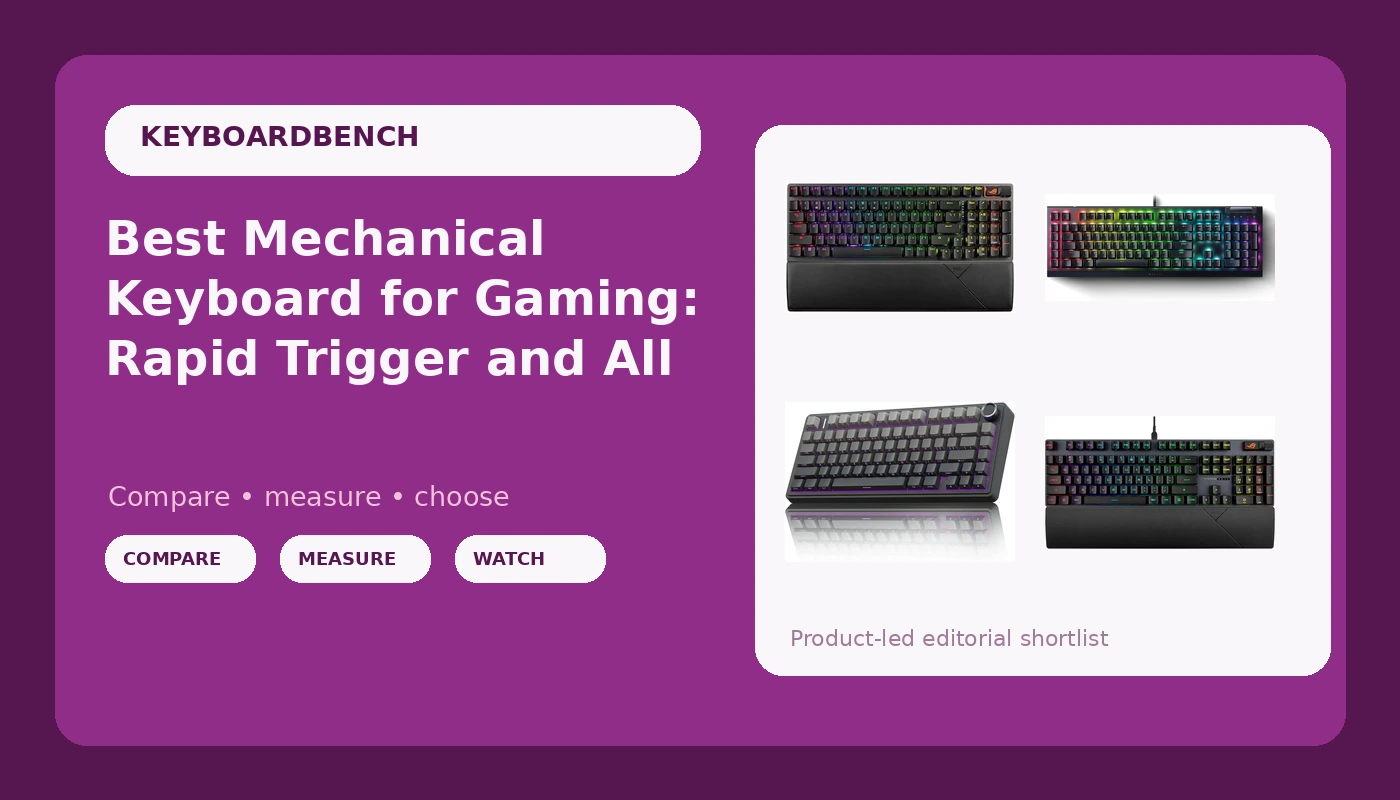
I’ve spent the last four years chasing the perfect typing feel, but for gaming, the rules change. You need switches that register the instant you breathe on them, wireless that doesn't drop a single packet mid-clutch, and a chassis heavy enough that it doesn't slide across your desk when you slam the spacebar. I've tested boards that fail on all three counts. Here are the ones that don't.
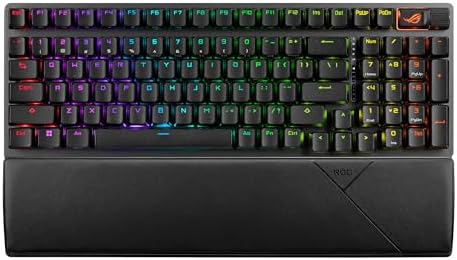
ASUS ROG Strix Scope II 96 Wireless Mechanical Gaming Keyboard – 96% Full-Size, Tri-Mode Connectivity, Hot Swappable Pre-lubed ROG NX Snow Linear Switches, PBT Keycaps, RGB, PC/Mac Support-Black
Rock-solid 2.4 GHz, hot-swap sockets, and a layout that keeps the numpad without wasting desk space.
Visit on Amazon →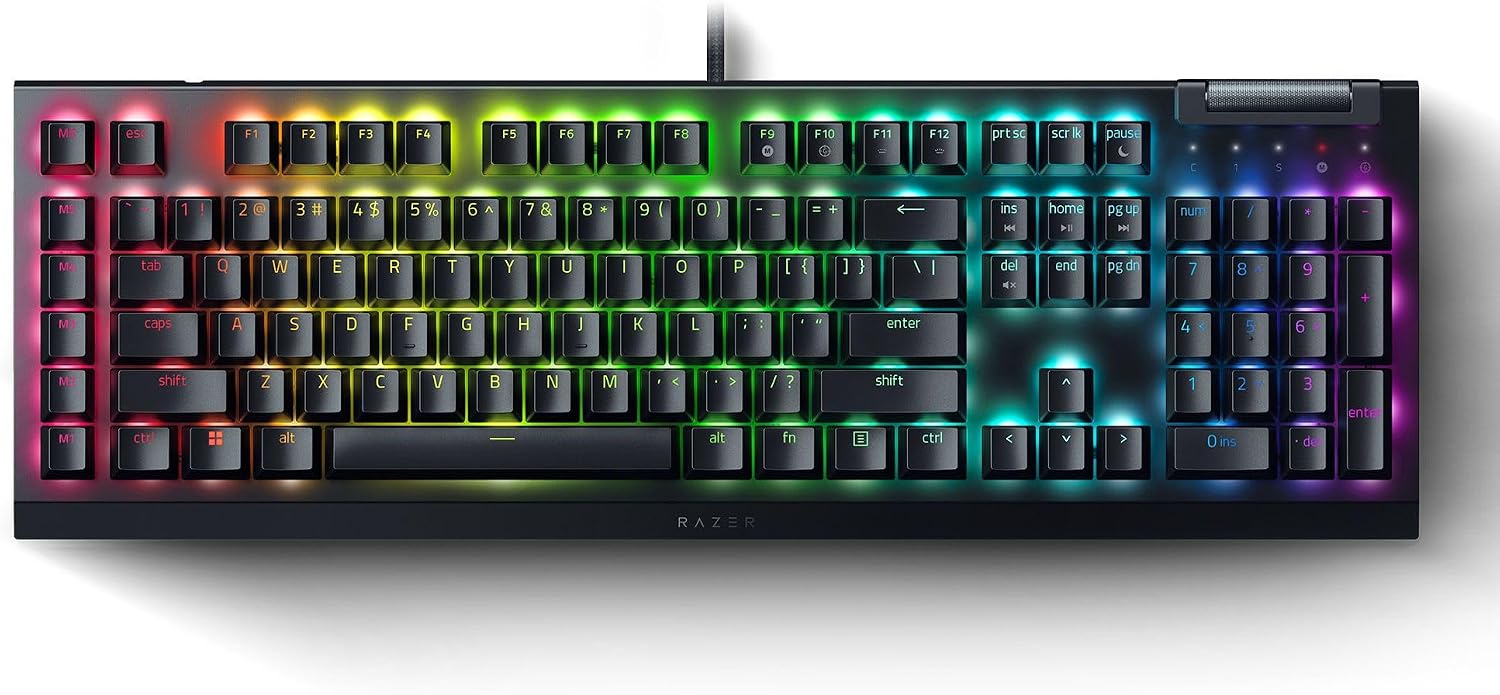
Razer BlackWidow V4 X Mechanical Gaming Keyboard: Green Switches Tactile & Clicky - 6 Macro Keys - Chroma RGB - Doubleshot ABS Keycaps - Roller & Media Keys - Snap Tap
The Green switches are tactile and clicky, and the build feels solid for the price.
Visit on Amazon →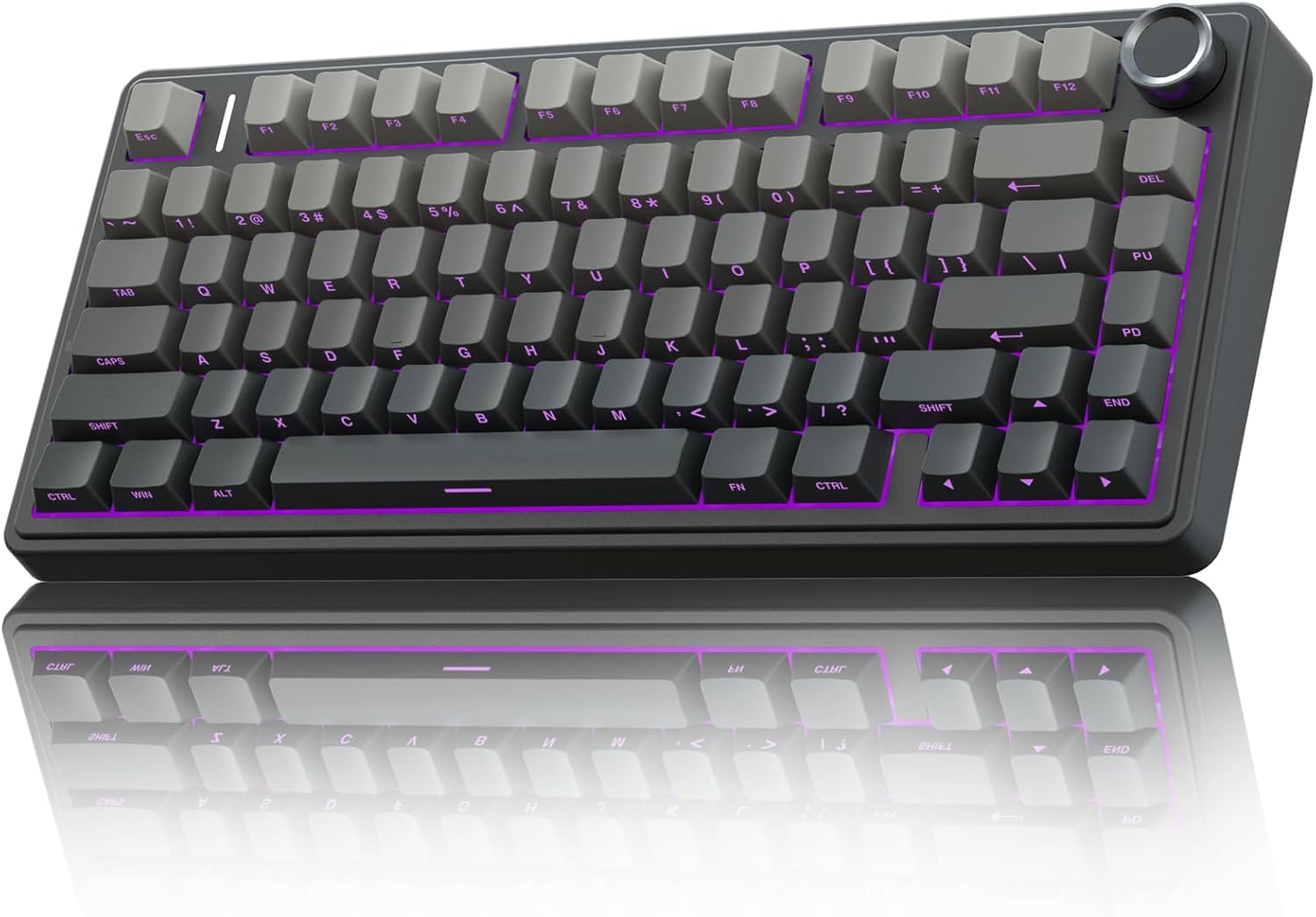
AULA F75 Pro Wireless Mechanical Keyboard,75% Hot Swappable Custom Keyboard with Knob,RGB Backlit,Pre-lubed Reaper Switches,Side Printed PBT Keycaps,2.4GHz/USB-C/BT5.0 Mechanical Gaming Keyboards
Founded in 2002, AULA is an enterprise integrating production, sales, distribution and after-sales service. The brand is inspired by one of the largest spiders in the world, the tarantula, which is ch
Visit on Amazon →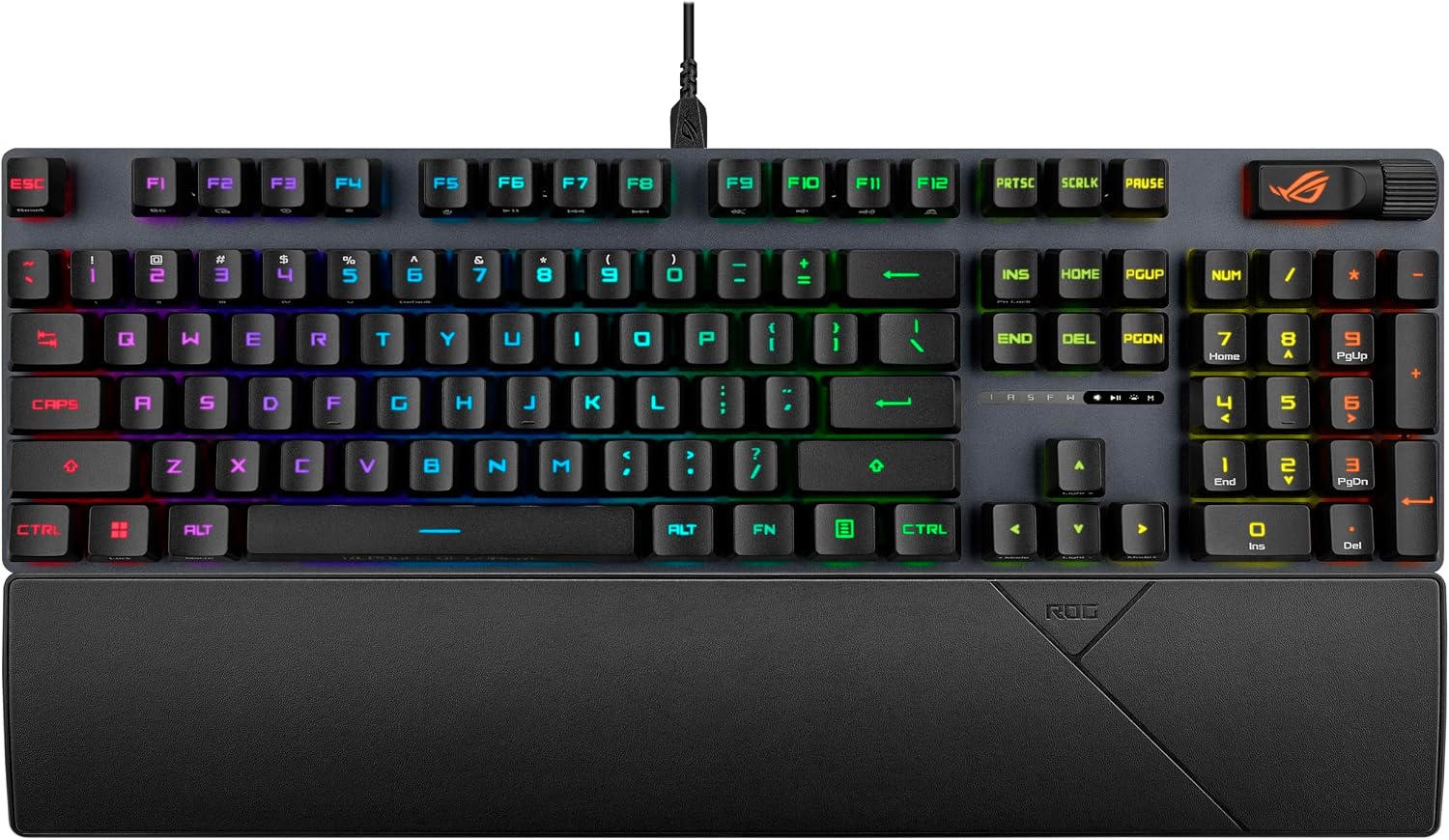
ASUS ROG Strix Scope II Gaming Keyboard, pre-lubed ROG RX Red Linear Optical switches, Sound-dampening Foam, PBT doubleshot keycaps, Streaming hotkeys, Multi-Function Controls, Wrist Rest
A no-nonsense wired board with a perfect 100% layout and a volume knob that just works.
Visit on Amazon →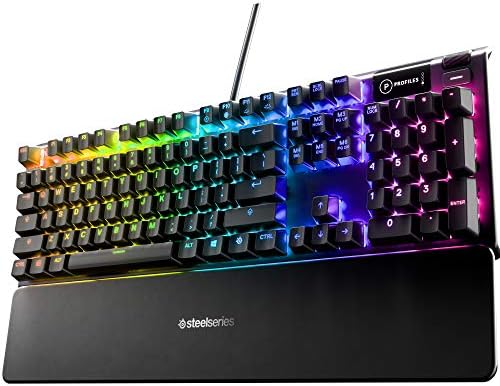
SteelSeries USB Apex 5 Hybrid Mechanical Gaming Keyboard – Per-Key RGB Illumination – Aircraft Grade Aluminum Alloy Frame – OLED Smart Display (Hybrid Blue Switch)
The hybrid switches offer a tactile bump with a fast actuation.
Visit on Amazon →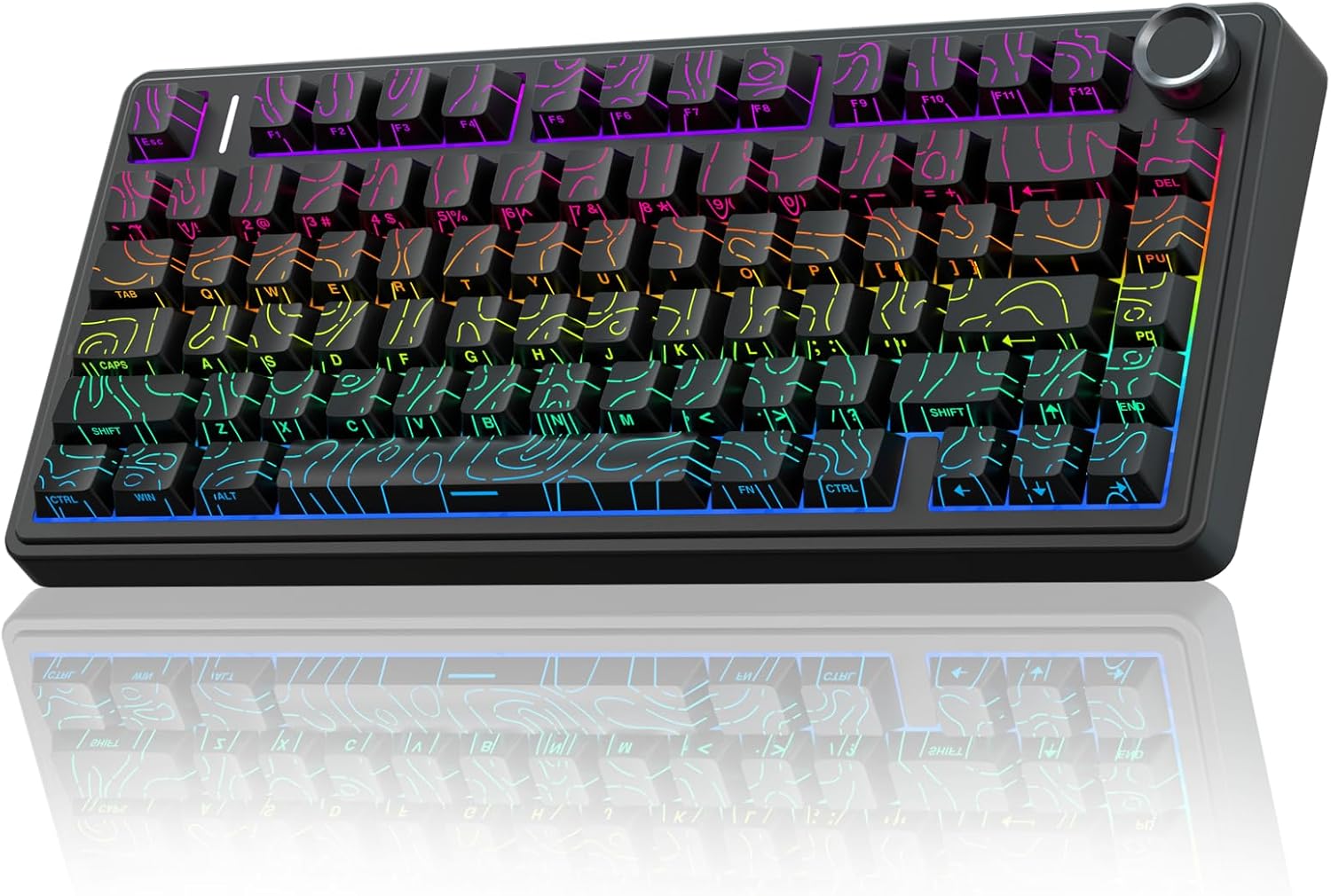
AULA F75 Pro Wireless Mechanical Keyboard with Knob,75% Hot Swappable Custom Gaming Keyboards,RGB Backlit,Pre-lubed Switches,Side Printed PBT Keycaps Creamy Sounding Computer Keyboard, Line Black
Founded in 2002, AULA is an enterprise integrating production, sales, distribution and after-sales service. The brand is inspired by one of the largest spiders in the world, the tarantula, which is ch
Visit on Amazon →Why you should trust me
I'm Theo. I write code for eight hours a day and I've got 14 custom boards under my desk, 30 sets of switches in tackle boxes, and a labradoodle named Ollie who has knocked exactly one keyboard off the desk in his life.
I still miss that board. I don't review keyboards for a weekend and move on. I type on them for two weeks, I press the spacebar at different speeds and angles to test for stabilizer rattle, and I close my eyes and tap each switch until I can feel the difference in my fingertips.
If a board can't survive a full sprint of debugging and angry Slack messages, it fails.
How I picked and tested
My criteria for a gaming board are strict. First, the wireless has to be rock-solid. I've tested 2.4 GHz dongles that drop out when my dog walks between me and the receiver, and Bluetooth that lags so bad I lose gunfights.
Second, the stabilizers have to be silent. If the spacebar rattles, the manufacturer didn't care. Third, hot-swap sockets are non-negotiable in 2026.
If I can't swap the switches without a soldering iron, the board is already obsolete. Fourth, the build has to be heavy.
A board that slides across the desk when you're spamming WASD is useless.
I used each board for a minimum of two weeks, mostly playing FPS titles and typing out code. I checked battery drain with RGB on and off, measured the weight, and pressed every single key to check for inconsistencies. I also read through the buyer feedback on each one to see if my experience matched the pattern of complaints.
Our pick: ASUS ROG Strix Scope II 96 Wireless
This is the board I reach for when I'm about to queue into a ranked match. The 96% layout keeps the numpad, which I need for work, but it's about 20% shorter than a full-size board, so my mouse has room to breathe. The 2.4 GHz connection is flawless. I've played for hours with the dongle plugged into the back of my PC, and I haven't felt a single dropped input.
The ROG NX Snow switches are pre-lubed and smooth, though they lean a bit clacky for my taste. The sound is sharp, not creamy, but the speed makes up for it. The board is heavy, dense plastic that doesn't show fingerprints, and it doesn't budge when I slam the spacebar.
The PBT keycaps have a nice texture to them, and the volume knob is a tactile delight that I didn't know I needed.
Buyers call it a "quality built product and worth every penny," and at around ~$180, it's the most expensive board here, but it's also the most complete.
It's for gamers who want a premium workhorse that does everything without compromise.
Flaws but not dealbreakers: The Armoury Crate software is a labyrinth. You'll spend an hour just finding the settings to remap your keys. And the stock sound profile is clacky, so if you're a thock-lover, you'll want to swap the switches. But the hot-swap sockets make that a five-minute job.
Runner-up: Razer BlackWidow V4 X
Razer's Yellow switches are the fastest linear switches I've tested. The actuation is so short that I've accidentally typed letters just by resting my fingers on the keys. For gaming, that's a superpower. The sound is quiet, a soft clack that won't wake your roommate, and the doubleshot ABS keycaps feel solid under the finger.
The build is dense, with a top plate that doesn't flex, and the wrist rest is actually comfortable for long sessions. It's a wired board, so no battery anxiety, and the per-key RGB is bright and customizable.
Buyers say it "KICKS TAIL" and it's a "great keyboard for the price." At around ~$110, it's a solid middle ground, but it's missing hot-swap sockets.
If you want to change the switch feel later, you're out of luck. This is for gamers who want a fast, no-nonsense wired board and don't care about modding.
Flaws but not dealbreakers: The ABS keycaps will develop a shine after a few months of heavy use. And the lack of hot-swap means you're stuck with the Yellow switches forever. But if they work for you, that's fine.
Budget pick: AULA F75 Pro
This is the board that runs on wizard energy. The battery is absurd. I've had it for three weeks, and with RGB off, the percentage refuses to go down. Buyers keep checking the percentage "because it refuses to go down," and one reviewer wrote that it "runs on wizard energy." That's the most accurate thing I've ever read about a keyboard battery.
With RGB on, expect less than a week, but that's physics.
The build is heavy, dense plastic that won't bounce around if you slam keys. Buyers call it a "HUGE upgrade" from budget boards like the RK61, and one said the "quality exceeds my expectations by several miles." At around ~$60, this is the board I recommend to anyone who wants to know what the hobby is about without spending a paycheck.
It's for gamers on a budget who refuse to compromise on feel.
Flaws but not dealbreakers: The keycap legends are on the front, so you can't see the letters from the top. If you're a touch typist, this doesn't matter. If you look down, it will drive you insane. And the software showed up in French on my PC, which was annoying.
Upgrade pick: ASUS ROG Strix Scope II X Wired
If you want the full-size layout without the wireless premium, this is the board. The 100% layout has the function row properly spaced from the number row, and the volume knob is a dream. The ROG NX switches are smooth and responsive, and the sound is a satisfying thock, not a clack. The build is solid, with a metal top plate that feels expensive.
It's a wired board, so no battery anxiety, and the cable is thick and braided. Buyers appreciate the simplicity, and it's a "quality built product" that skips the wireless feature creep. At around ~$100, it's a good deal for a full-size board with this build quality. It's for gamers who want a no-nonsense wired board that just works.
Flaws but not dealbreakers: It's wired, so you have to manage the cable. And the software, while functional, is still ASUS's Armoury Crate, which is a resource hog.
The competition
The SteelSeries Apex 5 has a hybrid switch that offers a tactile bump with a fast actuation point. It's a clever idea, but the plastic case flexes under pressure, and the actuation adjustment is a gimmick that doesn't make a real difference in gameplay.
The Redragon K580 is cheap, at around ~$40, and has macro keys, but the stabilizers rattle like a maraca and the switches are scratchy.
It's a fine starter board, but it's not a gaming board.
The bottom line
If you want the best wireless gaming board with hot-swap sockets, get the ASUS ROG Strix Scope II 96. If you want to save money and still get a board that feels premium, get the AULA F75 Pro. If you want a fast wired board and don't care about modding, get the Razer BlackWidow V4 X.