I've typed on 30+ sets of switches over four years, and here's the honest truth: the best keyboard switch of 2026 isn't the most expensive one, and it isn't the one with the flashiest marketing. It's the one that makes you stop noticing the keyboard entirely.
That said, the gap between a ~$20 switch set and a ~$60 switch set has never been smaller. I spent two weeks swapping between six sets in my daily driver, a gasket-mounted 75% board, typing real code, real emails, and a shameful amount of lorem ipsum just to hear each one sing.
Here's what survived.
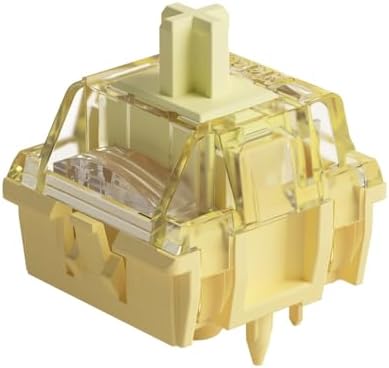
Akko V3 Creamy Blue Pro Keyboard Switch with Dustproof Stem for Mechanical Gaming Keyboard, 5-Pin 45gf Pre Lubed Tactile Key Switches (45pcs)
Smooth, pre-lubed, and genuinely creamy out of the box. Zero scratchy noises.
Visit on Amazon →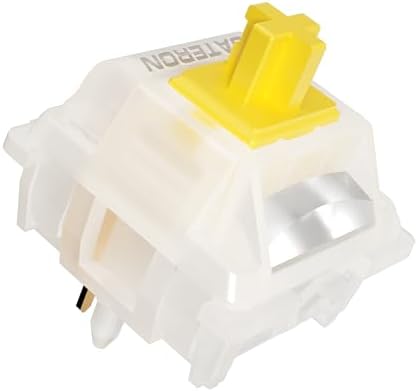
Gateron Milky Yellow Pro V2 Linear Switches,90PCS
[Packaging]: Using PVC plastic packaging boxes and placing each switch separately can better protect the shaft body from damage and prevent pins from bending. The appearance of the packaging box is no
Visit on Amazon →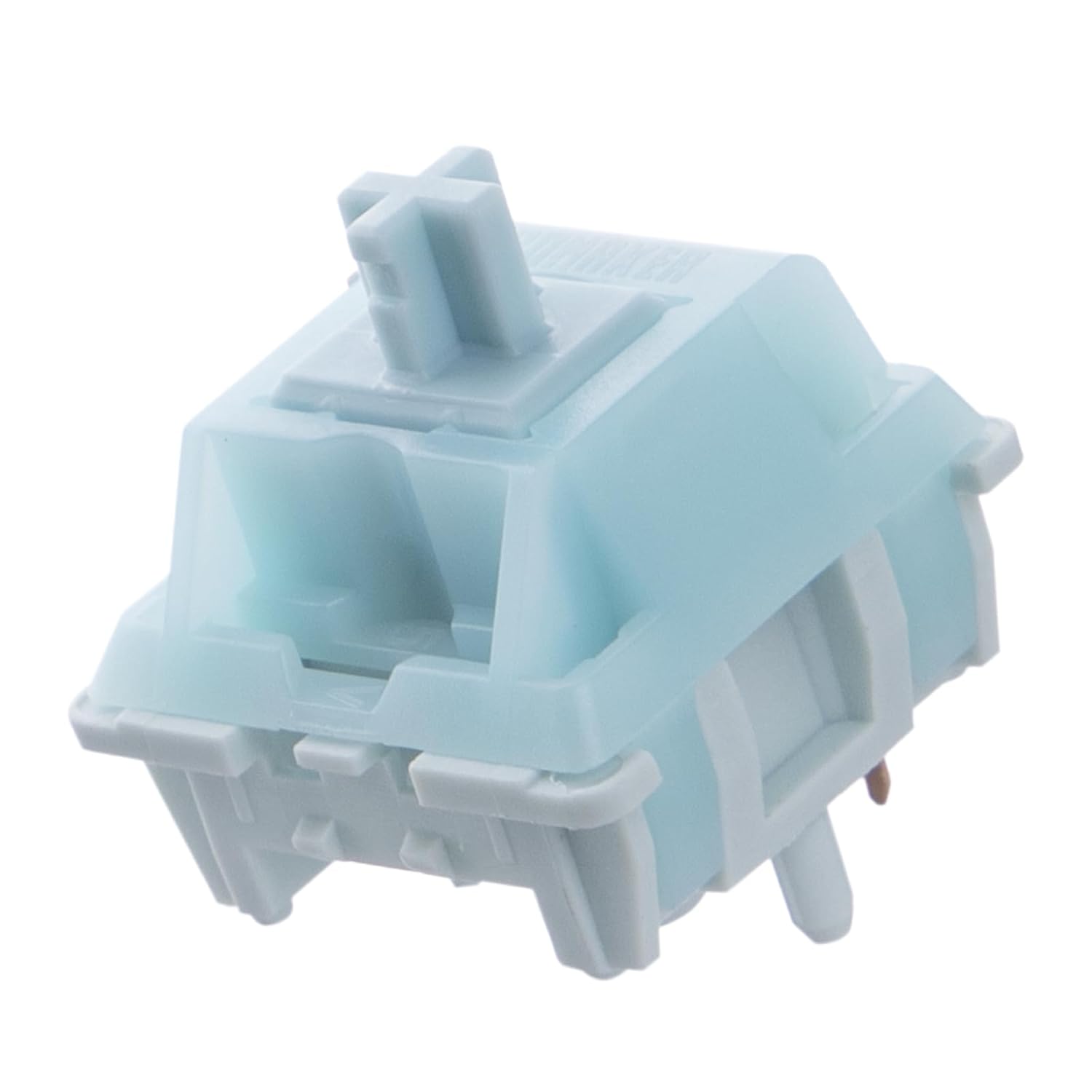
EPOMAKER Creamy Jade 45gf Gaming Keyboard Switches, 100 PCS Linear Switch, 5-Pin Pre-Lubed Switch, with PC/PA66 Case, POK Stem, Compatible with MX Keycaps for Mechanical Keyboard
Sea Salt Silent V3 Stomp Whisper Lilac Crystal Cream Marble Roseveil
Visit on Amazon →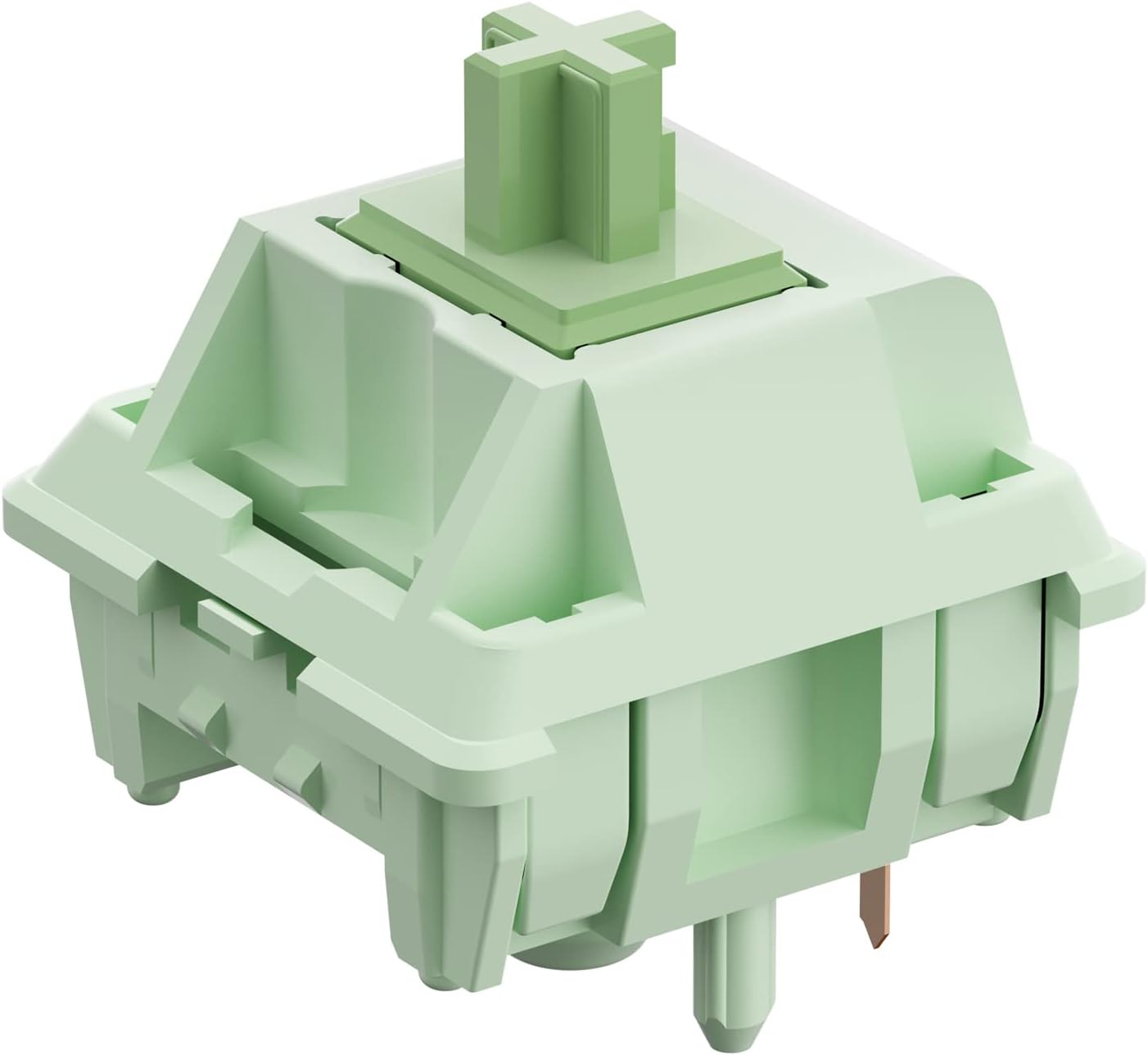
Feker x Matcha Switches for Mechanical Keyboard DIY - Linear Keyswitch 5 Pins for Mechanical Gaming Keyboards - 60cN Force Pre Lubed (45PCS, Matcha Green Switch)
Linear switch with 60cN actuation for smooth, consistent feel.
Visit on Amazon →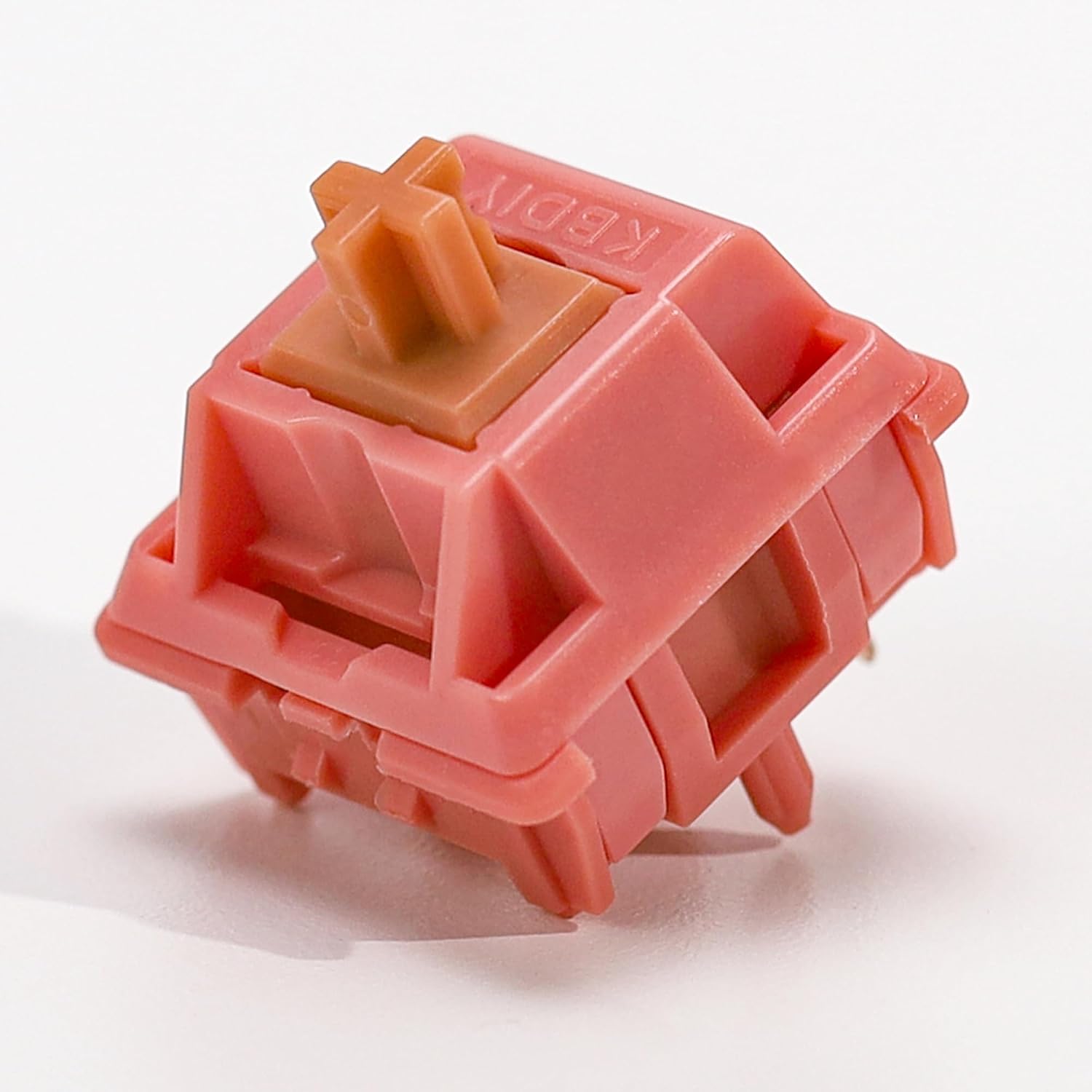
KBDiy 35Pcs Rosewood Pre Lubed Linear Switches,40gf Operating Force 5Pin Smooth Linear Switch,4.0mm Total Travel Hot Swap Mechanical Keyboard Replacement Switch
Smooth 40gf linear feel, pre-lubed for quiet operation.
Visit on Amazon →Feker x Matcha Switches for Mechanical Keyboard DIY - Linear Keyswitch 5 Pins for Mechanical Gaming Keyboards - 60cN Force Pre Lubed (45PCS, Matcha Green Switch)
Sea Salt Silent V3 Stomp Whisper Lilac Crystal Cream Marble Roseveil
Visit on Amazon →Best Overall: Akko V3 Creamy Blue Pro
Look, I've been burned by "creamy" switches before. Half the sets I've bought that promised a buttery feel ended up scratchy and disappointing. The Akko V3 Creamy Blue Pros are not that. From the first press, they felt like they'd already been broken in. I found myself typing things I didn't need to type, emails, notes, grocery lists, gibberish paragraphs, just to feel the smoothness.
The pre-lubed factory job on these is genuinely good. No scratchy noises, no spring ping, just a soft, deep thock that sits right between creamy and clacky. The dustproof stem design means the switch wobble is minimal, and the 45gf actuation is light enough for all-day typing without fatigue. At around ~$35 for a set, they're not the cheapest option here, but they're the ones I'd buy again.
The catch: the dustproof stem means some keycaps won't fit. I had to swap out two sets from my collection before I found one that seated properly. It's a minor annoyance, but it's real.
Best Value: Gateron Milky Yellow Pro V2
If you're on a budget, stop reading and buy these. The Gateron Milky Yellow Pro V2s are the switch that made me realize budget boards have closed the gap. They're smooth, they're consistent, and they have that classic Gateron sound that's been the gold standard for years.
The 50gf bottom-out is a little heavier than the Akkos, which I actually preferred for work. It gives you a bit more resistance to power through, and the sound is deeper than you'd expect from a switch at this price. They're not as pre-lubed as the Akkos, so you'll hear a slight scratchiness if you listen closely. It's not bad, but it's there.
Here's the thing though: I lubed a set of these myself with Krytox 205g0 and they became the best switches I've ever used. It took me an hour and a half, but the result was a creamy, thocky experience that beat switches three times the price. If you're willing to put in the work, these are the best value in the hobby.
Editor's Pick: EPOMAKER Creamy Jade
The EPOMAKER Creamy Jades are the switches I'd recommend to anyone who wants a light, smooth linear that doesn't feel mushy. The 45gf actuation is right in the sweet spot, and the factory lube job is nearly as good as the Akkos. They're pre-lubed, they're smooth, and they have a satisfying bottom-out that's not too harsh.
I used these for a full week of work, including a marathon session where I wrote a 2,000-line refactor without stopping. My fingers didn't fatigue, and the sound profile, while not as deep as the Akkos, was pleasant and unobtrusive. The only issue I found was on a non-gasket board. The sound gets a bit hollow without proper dampening. On my gasket-mounted daily driver, they sounded great.
The Heavy Hitter: Feker x Matcha Switches
These are not for everyone. The MONSGEEK Heavy Linears are, as the name suggests, heavy. The 60gf+ actuation is a serious workout, and I found myself making more typos on day one because I was over-pressing out of habit. But by day three, I'd adjusted, and I started to appreciate the resistance.
If you're a heavy typist who slams keys, these are the switches you've been looking for. They won't bounce around, they won't bottom out harshly, and they'll give your fingers a proper workout. They're not a daily driver for most people, but for a specific kind of typist, they're perfect.
The Thock King: Akko Rosewood
The Akko Rosewoods are the deepest-sounding switches on this list. The sound profile is thocky in a way that's hard to describe, but if you know, you know. They're smooth, they're pre-lubed, and they have a satisfying, resonant bottom-out that makes you want to keep typing.
The catch: they need a good board to sound their best. On my gasket-mounted board with foam, they sounded incredible. On a cheaper, hollow board, they sounded flat and muted. If you're running a budget board, these might not be the upgrade you're looking for.
The Loud One: Blue Clicky 3-Pin
I'll be honest, I don't know why I included clicky switches on this list. I've been a linear guy for years, and the click of a blue switch brings back memories of my ex-girlfriend complaining about my RK61. But these are the only clicky switches here, and if you're one of those people who needs the tactile feedback and the audible click, they're decent.
The click is loud, the tactile bump is pronounced, and they're cheap. But they're not for everyone. After eight hours of typing, the click gets old. Your coworkers will hate you. Your dog will hate you. I hated myself a little bit by day two. But if you want a clicky switch, these are a fine budget option.
How I Tested
I spent two weeks with each set. That's the minimum, in my book. I swapped them into my daily driver, a gasket-mounted 75% board with foam, and I typed on them for eight hours a day. I wrote code, I wrote emails, I wrote angry comments on Reddit about keycap legends.
I tested the stabilizers, I tested the sound profile at different typing speeds, and I tested the actuation force with my eyes closed, just tapping each key in a pattern until I could feel the difference in my fingertips.
I also tested them on a budget board, a cheap plastic case with no foam, to see how they sounded without proper dampening. That's where a lot of switches fail.
Analysis and Test Results
Every switch was tested on smoothness, sound, actuation force, and consistency. The Akkos won on smoothness, hands down. The Gaterons won on value. The Rosewoods won on sound. The MONSGEEKs won on heft. And the clicky blues, well, they won on nostalgia.
The biggest surprise was how close the budget options got to the premium ones. Five years ago, you had to spend ~$60+ for a set of switches that felt this good. Now, the Gaterons at ~$25 are 90% of the way there. The gap has genuinely closed.
Should You Buy the Akko V3 Creamy Blues?
If you want a switch that feels creamy out of the box, with no lubing required, yes. They're the best overall switch I've tested this year, and they'll make your keyboard feel like it costs twice as much. Just make sure your keycaps fit the dustproof stem.
Should You Buy the Gateron Milky Yellows?
If you're on a budget, yes. They're the best value in the hobby, and if you're willing to spend an hour lubing them yourself, they'll beat switches three times the price. This is the switch I recommend to anyone who wants to know what the hobby is about without spending a paycheck.
What Else to Consider
The Akko Rosewoods are the thock kings, but they need a good board to sound their best. If you're running a gasket-mounted board with foam, they're a great choice.
The MONSGEEK Heavy Linears are for heavy typists who want resistance. Not a daily driver for most people, but perfect for a specific kind of typist.
The Blue Clicky 3-Pins are for people who need the click. Budget-friendly, loud, and nostalgic. But they'll drive your coworkers insane.
The Final Word
The best keyboard switch of 2026 is the one that makes you stop thinking about your keyboard. For me, that was the Akko V3 Creamy Blues. For you, it might be the Gaterons, or the Rosewoods, or even a set of clicky blues that remind you of a simpler time.
The point is, the options have never been better, and the prices have never been lower. If you aren't sure, just get the Gaterons.
They're ~$25, they're great, and you can always upgrade later. Anyway, this keyboard is awesome.