Related: Best Budget Mechanical Keyboards Under $100
Full-size boards get no love in this hobby. The photos that get upvoted are 65 percent boards with coiled cables and keycaps that cost more than the keyboard did. Meanwhile the person who genuinely needs a number pad for spreadsheets is stuck reading reviews written by someone who has never typed on a numpad for a living. Shopping for budget full-size mechanical keyboards is worse than that, because the tier is full of boards that look identical in photos and feel nothing alike under your fingers.
Here is the thing I keep coming back to. At this price you are not really buying switches. Switches are cheap, and at the budget tier they are mostly interchangeable. You are buying stabilizers, keycaps, and a case that does not flex. Those three things decide whether a cheap board feels like a tool or like a toy, and none of them show up in a product photo.
This guide covers three full-size boards that land in the same search results, plus one row in the reference table that has nothing to do with keyboards and everything to do with how these tables get built. I will tell you what each board is, what it is not, and what I would check before spending money. No prices here, because prices move. Every listing below is a "Check current Amazon price" situation, and the number you see today is not the number you will see in three weeks.
How I judge a budget board
I do not review a board until it has survived two weeks of daily coding on it. That is eight hours a day of real work, not a typing test on a website. Unboxing videos are not reviews, and a board that feels fine for ten minutes can be miserable by Thursday.
The tests, in order:
- Stabilizer rattle. Tap the spacebar, both shifts, backspace, and enter. Listen. A metallic ping or a hollow clack after the key bottoms out means the stabilizers are dry, loose, or both. This is the fastest way to tell a budget board from an expensive one, and it is also the cheapest thing to fix. A tube of dielectric grease costs less than lunch.
- Switch feel with your eyes closed. Type a paragraph without looking down. If you are thinking about the switches, they are wrong for you. If you forget the keyboard is there, they are right. That is the whole test.
- Keycap quality. Thin, slippery caps feel worse than a cheap case. Run your thumb across a few caps. If they feel like a disposable water bottle, budget for a replacement set before you buy anything else.
- Sound on your desk, not on a reviewer's desk. Sound is half the keyboard and half the surface under it. A board that thocks on a desk mat can ping on bare wood.
- Hot-swap. In 2026 this is not a feature, it is a requirement. Soldered switches mean every future change involves an iron.
Redragon K556: the aluminum one
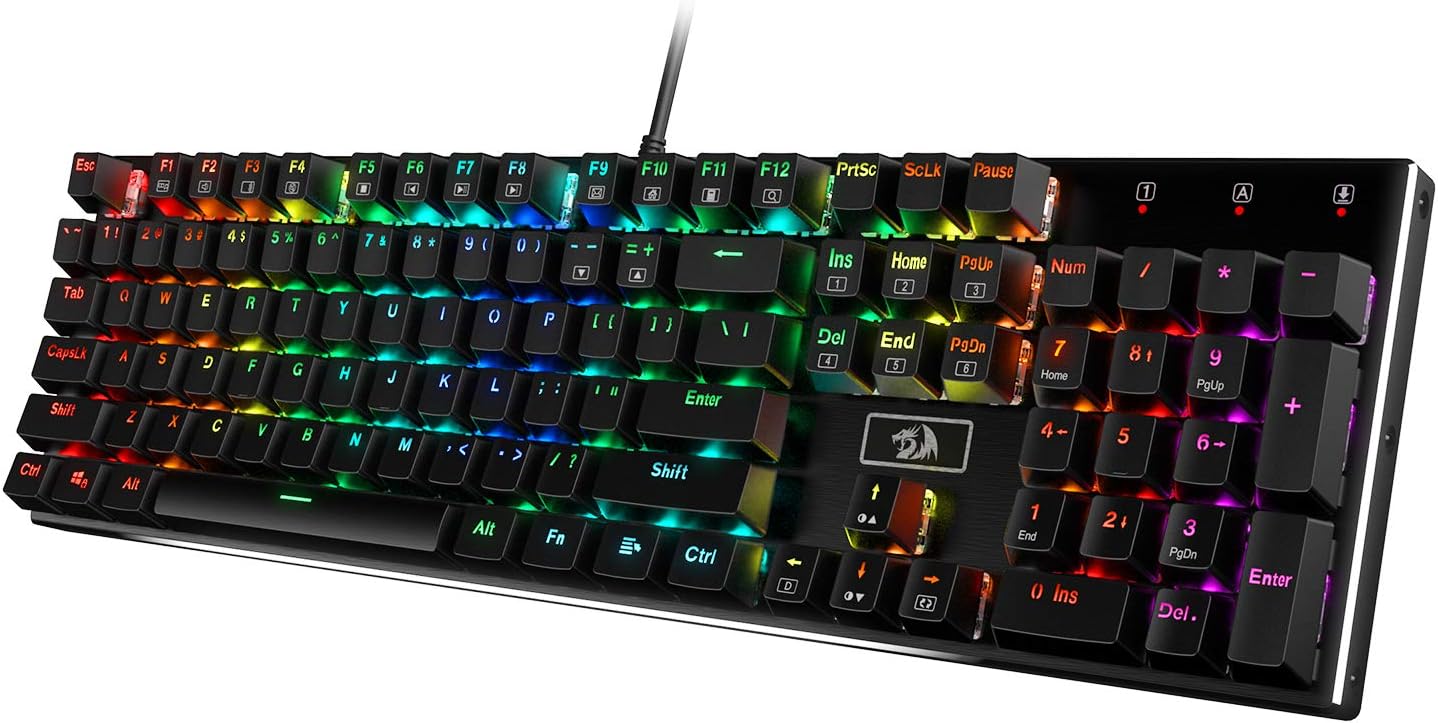
The K556 is a 104-key wired board with RGB and an aluminum top frame, and the aluminum is the entire pitch. Weight matters more than people admit. A heavier board stays put when you are typing fast, and a metal top plate usually gives you a less hollow sound than a plastic case. It is a full-size layout, so you get the numpad, the function row, and the traditional block that your muscle memory already knows.
What the listing does not tell you is which switch is under the keycaps. If you are choosing from a variant menu, choose deliberately: red, brown, and blue are three different keyboards to live with. The color in the name describes a feel, not a manufacturer, and cheap linears from one factory can sound completely different from cheap linears from another.
My honest expectation at this tier is that the stabilizers are where the money was saved. That is true of nearly every budget board, and it is where you hear the difference first, usually on the spacebar. It is also the easiest thing in this hobby to fix. Pull the caps, add a little lube to the stabilizer housings, and a rattly board turns into a quiet one in twenty minutes.
If you want something that feels closer to aluminum-tier money than it costs, this is the board on the list to look at. Check current Amazon price.
Newmen GM325Pro: the one that names its switch
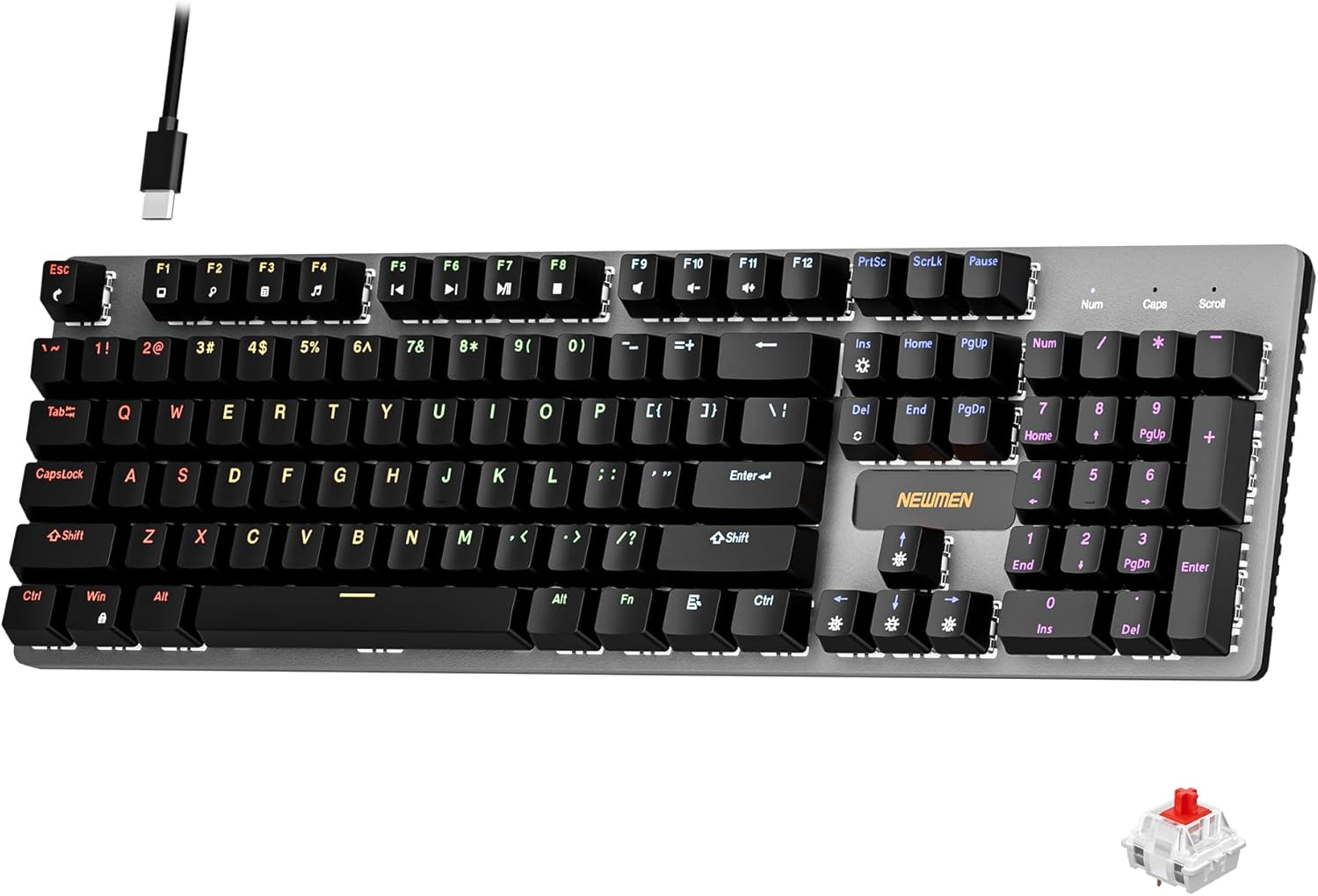
104 keys, red switches, and the switch family is named right in the title. That naming is more useful than it sounds. Red switches are linear: no bump, no click, just a straight push down. For gaming that is a sensible default. For typing it is a matter of taste. I recommend linears to almost everyone and then I have to admit that switch feel is personal, so take that contradiction for what it is.
What the name does not tell you is who made the switch. "Red" is a color and a feel, not a brand. The gap between a good budget linear and a bad one is mostly sound and stem wobble, not weight, and you cannot hear either one from a product page.
The other thing I would check is the case. A 104-key board is a big piece of plastic, and big pieces of plastic are where flex and ping live. Tap the middle of the deck with a fingernail. If it sounds like an empty cooler, a strip of painter's tape inside the case fixes most of it for about a dollar.
What you get here is the most transparent listing of the three: a full-size board that tells you the switch family up front. If you already know you like linears, that saves you a guess. Check current Amazon price.
Logitech G213 Prodigy: the one that is not mechanical
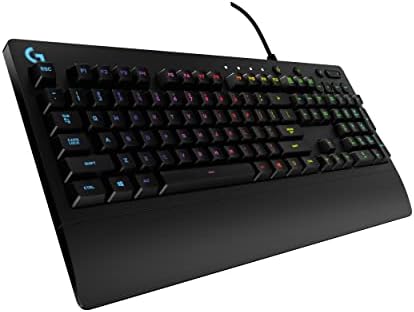
This one is on the list because it keeps showing up in the same search results as the mechanical boards, and the listing name never uses the word mechanical. It is a wired RGB gaming keyboard in black, full-size, from a brand with real software support behind it.
If switch feel is why you are reading this site, this is not the board for you, and I would rather say that plainly than pad a paragraph around it. What it is good for: a shared family computer, a secondary desk, or someone who wants backlighting and a number pad and does not care what is under the keycap. It is the safe, boring answer, and boring is sometimes correct.
The trap is buying it by accident. If you searched for a mechanical keyboard and clicked the first full-size RGB result, you may end up with something that never claimed to be mechanical. Read the listing name closely and notice what it does not say.
The reason I still include it: not every keyboard purchase is a hobby purchase. Sometimes it is about a board that works, plugs in, and does not need a firmware conversation. Check current Amazon price.
The reference table
This is the table I would keep open while shopping. Every row links to the listing it describes. The "check this first" column is the thing I would physically test before the return window closes, because that is where budget boards hide their compromises.
| Board | Layout | Switch named in the listing | Connection | Check this first | Price |
|---|---|---|---|---|---|
 Visit on Amazon → Visit on Amazon →Redragon K556 |
104-key full-size | Not named | Wired | Stabilizer rattle on the spacebar | $54.99 |
 Visit on Amazon → Visit on Amazon →Newmen GM325Pro |
104-key full-size | Red (linear) | Wired | Case ping and keycap feel | $24.99 |
 Visit on Amazon → Visit on Amazon →Logitech G213 Prodigy |
Full-size | Not stated, and the name does not claim it | Wired | Whether you wanted mechanical at all | $47.99 |
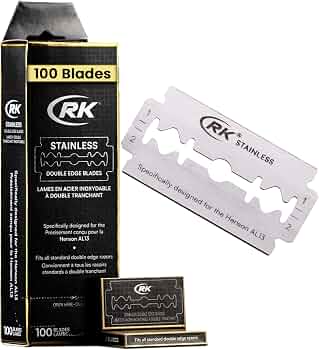 Visit on Amazon → Visit on Amazon →RK Shaving double edge blades, 100 pack |
Not a keyboard | Not applicable | Not applicable | Whether your razor takes double edge blades | $14.95 |
Analysis: where the money actually goes
Three things decide how a budget board feels, and they are not the switches.
Stabilizers come first because they are the loudest tell. Stabilizers are the wire-and-housing assemblies under the long keys, and on a cheap board they are usually unlubed, slightly loose, and prone to rattle. This is why a tuned $50 board can embarrass a $150 board that shipped dry. If you learn one mod in this hobby, make it this one.
Keycaps come second. Caps are the part of the board your fingers actually touch, and thin, glossy caps make an otherwise decent board feel cheap. Caps also tell you more about a board than the case material does. A plastic case with good caps beats an aluminum case with bad ones, and it is not close.
The case comes third, and it is mostly about sound and stability. Flex and ping are the two problems. Flex you feel when you press hard in the middle of the deck. Ping you hear as a hollow ring after a keystroke. Tape inside the case and a desk mat underneath it handle most of both.
Applied to this list: the Redragon's aluminum top frame is the one build upgrade you can see in a photo, and it is the reason that board is first. The Newmen removes the biggest guess by naming its switch family, which is worth more than it sounds. The Logitech is a different product category wearing the same search result, and the only question it asks is whether you wanted mechanical in the first place.
On switch choice, since the budget tier usually makes you pick blind: red for linear and quiet, brown for a small tactile bump, blue for clicky and loud. Do not buy clicky for an open office. Someone will hate you, and it will be everyone.
The row that does not belong
Every table like this ends up with one row that makes no sense, and here it is: the RK Shaving double edge razor blade 100 pack, designed for the Henson AL13. It is not a keyboard. It is in the table because the overlap between keyboard people and wet shaving people is real. Both hobbies are about cheap consumables beating the proprietary version, both reward tuning over spending, and both have a forum culture that will argue about fractions of a millimeter for eleven pages. If you already shave with a double edge razor, a hundred blades is roughly a year of shaving. If you do not, ignore the row and move on. Check current Amazon price.
Should you buy the Redragon K556?
If you want a full-size board that feels more expensive than it is, yes. The aluminum top frame is the reason to pick it over the other two here, and it is the one build quality upgrade you can actually verify from a product photo. Plan on tuning the stabilizers, because that is where the money was saved, and plan on confirming which switch you are ordering before you check out. Do those two things and this is the most board per dollar on the list.
Should you buy the Newmen GM325Pro?
Yes, if you already know you like linear switches. Red switches are named in the listing, which is more transparency than most boards at this tier offer, and knowing the switch family up front is worth real money when you are buying blind. What is not named is the switch maker, so judge it by sound and wobble once it is on your desk, and be ready to tape the case if it rings hollow.
Should you buy the Logitech G213 Prodigy?
Only if you are not shopping for switch feel. The listing never claims mechanical, and it should not. It is a safe full-size board with backlighting and real software support, which is a fine thing for a shared desk or a second computer. It is the wrong purchase if you came here for a mechanical keyboard, and it is the easiest mistake to make on this list, because it sits in the same search results as the other two.